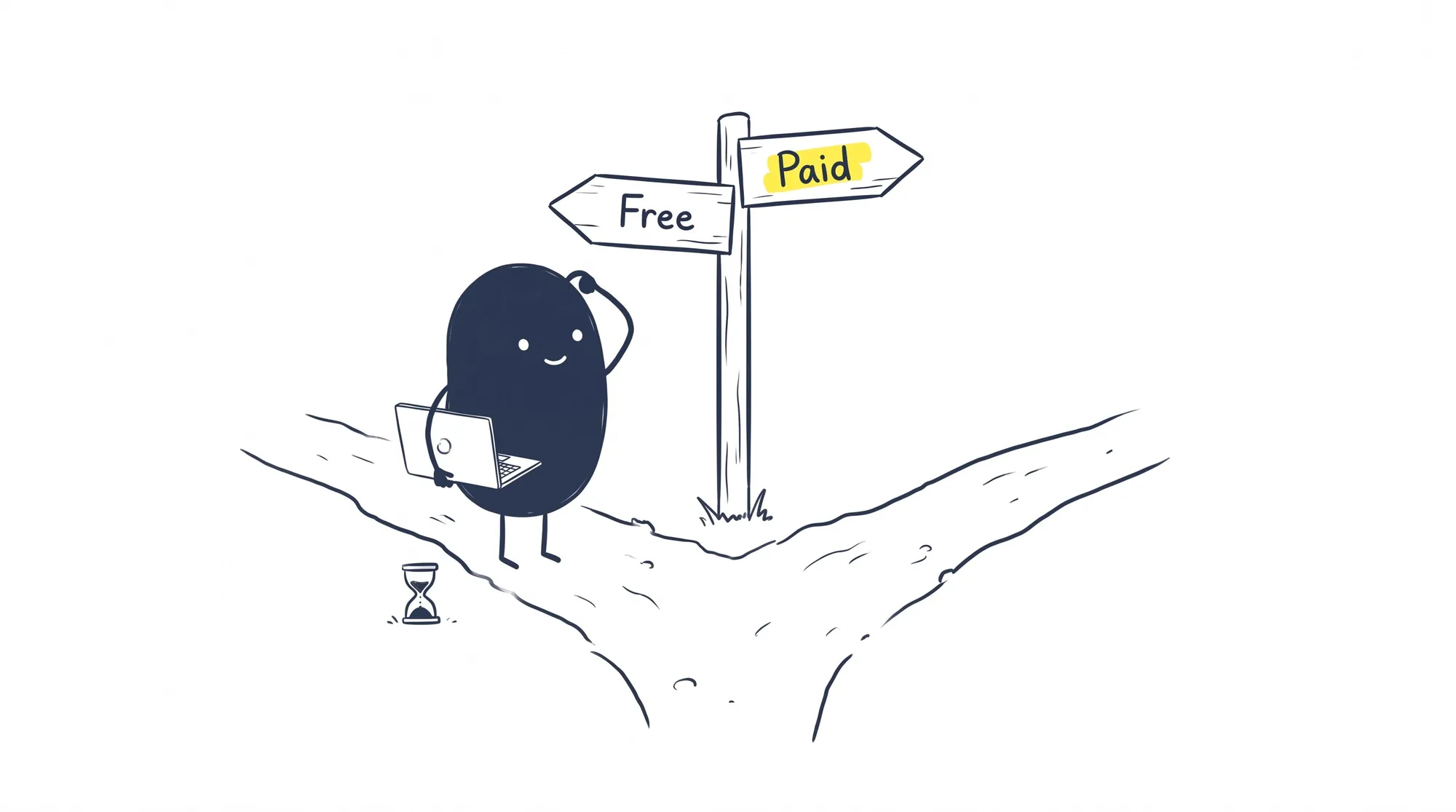
Someone in your office has started using Copilot to draft emails and tidy up documents. It saves them time, so they use it more. Then one afternoon a message tells them they’ve reached their limit and can try again later. Now they’re asking whether the business should pay for it, and you’re not sure what paying would get you.
We’ve had this conversation with clients and with businesses thinking of working with us, and the same questions keep coming up. Is Copilot free? Why has it stopped working? Can colleagues see each other’s chats? Does everyone need a licence?
The short answer is that Copilot Chat is free with most Microsoft 365 business plans, but it has limits, and Microsoft tightened them in November 2026. A paid licence removes most of those limits and lets the AI assistant work with your own emails, files and meetings. Whether that’s worth around £16 a month for each person depends on who uses it and what for.
In short
Free: Copilot Chat comes with eligible Microsoft 365 business plans at no extra cost. It answers using the web and files you upload, and it now has limits on use that Microsoft doesn’t publish.
Paid: a licence adds priority access, the AI in more Microsoft 365 apps, and answers based on your own emails, files and meetings. Copilot Business costs £16.10 per user per month on an annual plan, before VAT, for businesses with up to 300 users.
What does the free version of Copilot do?
If you pay for Business Basic, Business Standard or Business Premium, your Microsoft 365 subscription already includes Copilot Chat for anyone who signs in with their work account. Not sure which version of Microsoft 365 you have? Your IT provider can tell you. It isn’t the consumer Microsoft Copilot app that people use at home, and it’s separate from the AI features in Microsoft 365 Personal and Family. Because it’s built for work, Microsoft applies the same enterprise-grade security it uses for the rest of your subscription.
For everyday jobs, the free tier does plenty. Your team can use it to:
- Draft a reply to a tricky customer email
- Rewrite a paragraph so it’s clearer or shorter
- Pull out the main points of a PDF or Word document they upload
- Brainstorm ideas for a newsletter, job advert or presentation
- Explain a formula in Microsoft Excel
What it can’t do is look through your business data for you. It can’t search your inbox history, your Teams chats or your shared folders.
Why does Copilot say you’ve reached your limit?
From 2 November 2026, Microsoft started applying fair use limits to more Copilot Chat features for people without a paid licence. Before then, the limits mainly covered image generation.
Microsoft doesn’t publish the numbers, and IT admins can’t see or change them. When someone reaches a limit, they’re told the feature isn’t available for now and when it will be back, and in most organisations they’re offered an upgrade. It isn’t a fault, and a task that’s already running finishes first. Free users also get standard access, which Microsoft says may be limited at busy times; paid users get priority.
So if one person keeps hitting the limit and nobody else does, you’ve found the person who relies on it most. They’re the first candidate for a licence.
What’s the difference between free and paid Copilot?
This is how Microsoft compares the two on its support pages. The row for Word and the other Office apps depends on how your accounts are set up:
| Free Copilot Chat | Paid licence | |
|---|---|---|
| Answers from the web | Yes | Yes |
| Your work data | Files you upload | Emails, meetings, chats and files |
| Outlook | Included | Included |
| Word, Excel and PowerPoint | Depends on your account | Included |
| Agents | Limited | Included, with advanced agents |
| Access at busy times | Standard, may be limited | Priority |
| Security | Enterprise-grade | Enterprise-grade |
The row that matters most is the second one. With a licence, Copilot works inside Microsoft 365 apps like Word, Outlook and Teams, and uses Microsoft Graph, the links between your people, emails, files and calendar, to answer questions about your own business. You could ask what was agreed with a supplier last month, or for a proposal built from notes in three documents, and it finds the material for you.
How much does Microsoft 365 Copilot cost?
For businesses with up to 300 users, Microsoft sells Microsoft 365 Copilot Business as an add-on to your existing plan, or bundled with it. Microsoft’s UK prices, before VAT, on 25 November 2026:
- Copilot Business add-on: £16.10 per user per month paid yearly (currently offered from £13.80), or £19.32 paid monthly
- Business Standard with Copilot: £18.10 per user per month, paid yearly
- Business Premium with Copilot: £24.60 per user per month, paid yearly
You only pay for the people you give a licence to. Microsoft offers a free trial and lists usage-based billing for some advanced features and Copilot Studio, so check its Copilot pricing page before you budget. Our guide to what Microsoft 365 Copilot can do for your business has more examples of the paid features.
Are Copilot chats private, and can you share them?
Your conversations with Copilot are saved in your own chat history, not shared with the team. Like your emails, they’re still covered by your organisation’s compliance and search tools. To share something, you choose what and with whom:
- A conversation or a single answer: you get a link that anyone in your organisation can open after signing in. It’s a snapshot, so later messages aren’t included, and you can stop sharing from your settings.
- Copilot Pages: turn a useful answer into a page colleagues can open and add to, without seeing the rest of your chat. Pages work without a paid licence if you have OneDrive or SharePoint storage.
- Copilot Notebooks: gather the documents and notes for one project, ask questions about them, and invite colleagues in.
Sharing a conversation doesn’t give anyone access to the files it mentions. Your administrator can also switch sharing off, which may be why you can’t see the option.
Can Copilot summarise your emails?
Yes, and you can try it before you pay. Microsoft says all subscribers have access to Copilot in Microsoft Outlook. Without a licence, it works with your inbox, calendar and meetings, so you can ask for a summary of a long email thread before you reply, or a list of what you need to act on this week.
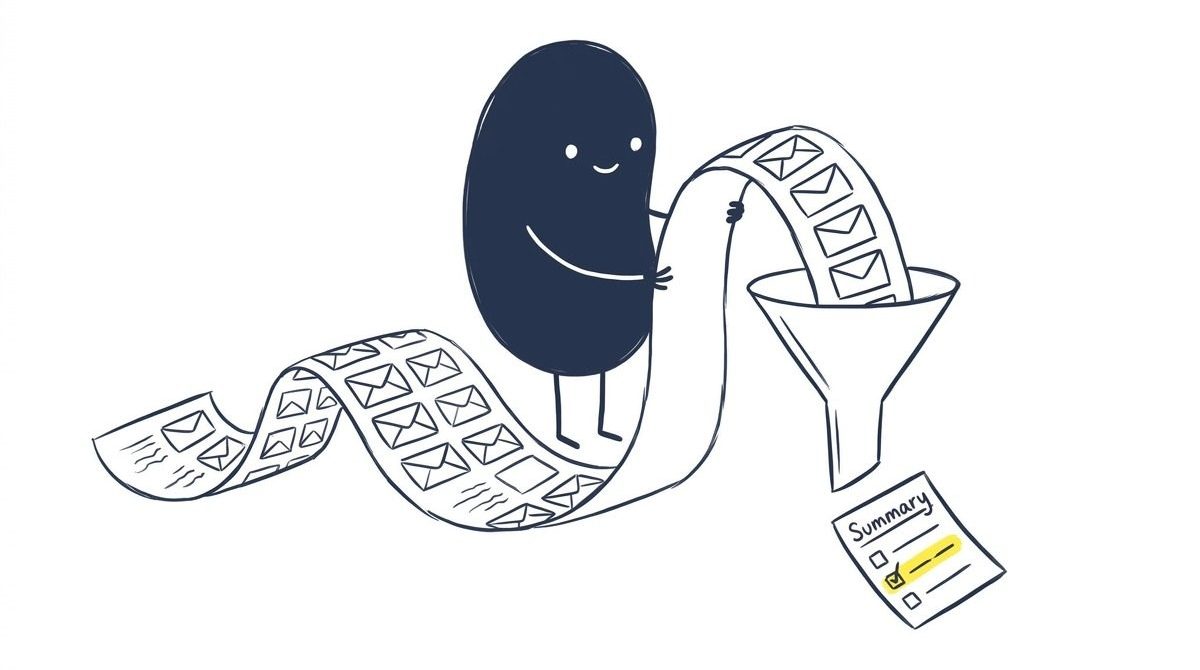
A licence extends this to Copilot in Teams and the rest of your business information. That’s when it can answer “what did we agree with this client?” by reading across emails, meeting notes and documents together.
To test it, pick a real, long email thread, ask for a summary and the actions, and check the answer against what you know.
Does everyone in your team need a licence?
Usually not. We’d let everyone use Copilot Chat, watch who reaches for it, and buy licences for the people who use Copilot every day or spend most of their time in email, meetings and documents. You can add more later if others start hitting the limits.
Before you buy, check what each person can see. A licensed Copilot can find anything that person already has access to, including files shared with “everyone” years ago and forgotten. Our Copilot readiness assessment checks your SharePoint, OneDrive, Teams and email permissions first, and our blog explains why oversharing matters once it’s switched on.
Agree some rules too. Copilot Chat on a work account is safer for business information than a free consumer AI chat, but staff still need to know what they can paste in. Our free AI policy template is a good place to start.
Does your team need Copilot training?
Short, vague prompts get vague answers. A prompt that explains the task, gives the background and says what a good answer looks like gets much better results, whichever plan you’re on.
Training is most useful when it uses your team’s real work: the emails they actually get and the documents they actually write. That way they practise on tasks they repeat every week.
How we help
We look after businesses across Sussex, Surrey and Kent from our office in Falmer, just outside Brighton. AI support is included in our managed IT support, so your team can bring Copilot questions to us like any other IT problem. Your staff can also bring their questions to our Ask Me Anything session.
We can supply Copilot licences, help you decide who needs one, and check your permissions before you switch it on.
Frequently asked questions
Is Microsoft Copilot free?
Copilot Chat is free with most business versions of Microsoft 365 when you sign in at work. It has AI usage limits and can’t work with your emails, files or meetings. The full Microsoft 365 Copilot is one of Microsoft’s paid plans, sold as an add-on.
Do I need to pay for Microsoft 365 Copilot?
Only if you want it to work with your own business data, use it in more apps, or avoid the free tier’s limits. Many businesses start free and buy licences for the people who use it most.
What is the difference between free and paid Copilot?
Copilot Chat answers from the web and files you upload, with standard access and limits on use. The paid licence adds your emails, meetings, chats and files, priority access, more apps and more agents.
Why does Copilot say I’ve reached my daily limit?
Since November 2026, Microsoft has applied fair use limits to Copilot Chat for people without a paid licence. It doesn’t publish the limits, but it tells you when you can use the feature again.
How much does Copilot cost for a small business?
Copilot Business is £16.10 per user per month on an annual plan, before VAT, for businesses with up to 300 users (Microsoft UK price, November 2026).
What is the downside of using Copilot?
It can be confidently wrong, so check its answers before they reach a client. With a licence it can also find any file a person has access to, so tidy up permissions before you switch it on.
Final thought
Start with what you already have and see who reaches for it every day. Those are the people a licence will help, and they’ll be able to tell you what they’d use it for.
👉 Talk to us about Copilot for your team. We’re happy to talk it through.