AI training for your team: a 12-week programme
Is your team ready to use AI every day?
Answer up to 12 yes or no questions to get a score out of 100 and your best place to start.
- 4.9 on Google
- Assurix Trusted MSP
How the 12-week AI programme works
Live online, once a week
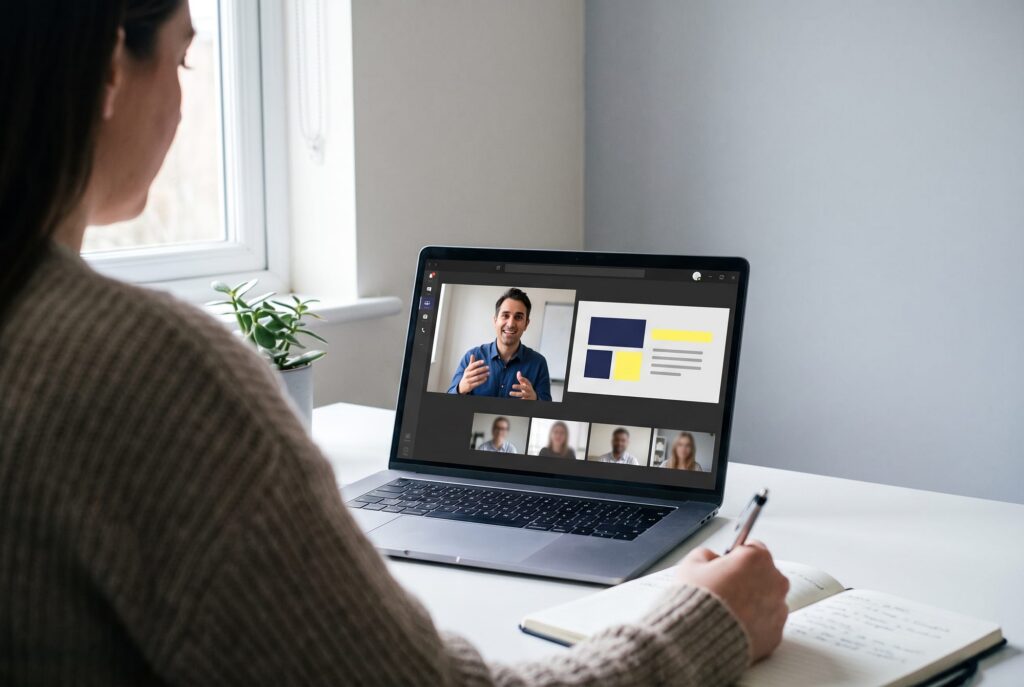
Each week there's one live session on Microsoft Teams, then a task to try on real work, such as an email or a report, before the next one.
For one person or a whole group
Book it for one director, one member of staff or a team. Nobody needs any artificial intelligence (AI) experience before week 1.
Works with ChatGPT, Claude or Microsoft Copilot
We teach on the tool your business chooses, and most of the skills work in all three: asking clearly, giving the right background and checking answers.
The Team track: AI training for staff
The Team track is for staff who want to use AI in their everyday work. It runs in four 3-week blocks.
Weeks 1 to 3: the basics and safe use
People learn what AI tools can and can't do, and what must never go into one, such as clients' personal details. Then they write their first prompts (the requests they type in).
Weeks 4 to 6: writing and research
People use AI to draft emails and documents, summarise long reports and look up information. They learn to check every answer, because AI tools can state wrong facts with confidence.
Weeks 7 to 9: AI in your own role
Each person uses AI in their own job: preparing for meetings, working with spreadsheets and handling recurring tasks.
Weeks 10 to 12: daily habits
Everyone builds a set of prompts they reuse, tries a simple automation for a repeated task and shows a colleague how they use AI.
The Founders and directors track: AI training for business owners
This track is for business leaders: owners, founders and directors. It starts with your own work, then moves on to decisions for the whole business.
What people can do with AI after 12 weeks of training
Team track
Founders and directors track
The AI readiness check asks up to 12 yes or no questions about how your business uses AI, then suggests where to start, which may be one of these tracks.
How to start the 12-week AI programme
You don’t need to know which track or AI tool you want before you get in touch.
Step 1: a 30-minute AI conversation
We talk about who will take part, what their working week looks like and how they use AI now.
Step 2: choose the track and the tool
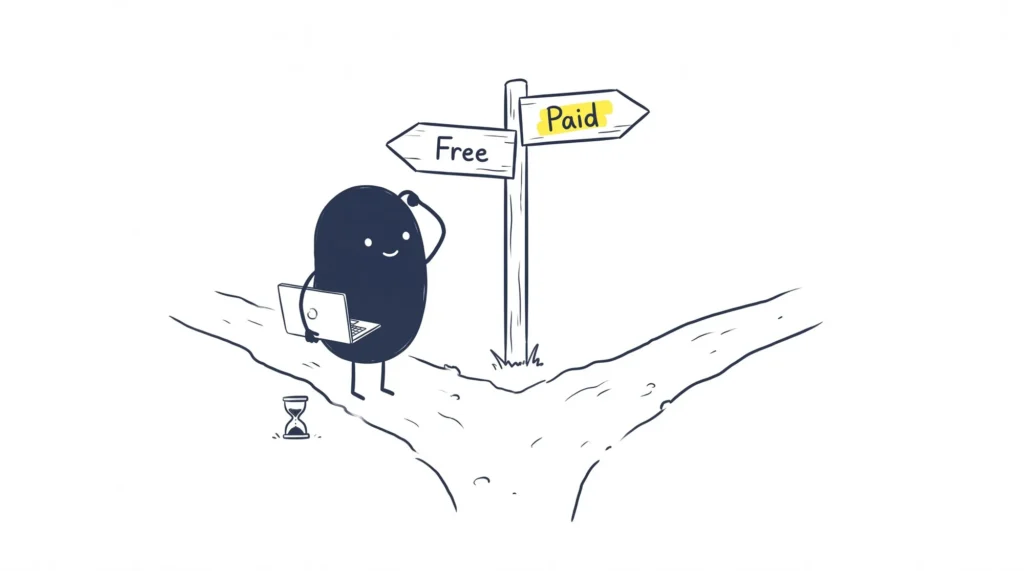
We agree the track and the AI tool. If your business hasn't chosen a tool yet, start with the Founders and directors track, which covers choosing one in weeks 4 to 6.
Step 3: the first session
Week 1 runs live on Microsoft Teams, and everyone leaves with a task to try before week 2.
Why the AI training runs weekly over 12 weeks
A one-day AI workshop or a self-paced AI course covers a lot at once. People then have to remember all of it while they get on with their normal work.
Our sessions are a week apart, and each one comes with a task to try on real work before the next. If someone’s AI summary of a report gets a figure wrong, they can ask about it in the next live session.
How the cost of the AI programme works
We send a written quote after the 30-minute AI conversation.
Training one person
A per-person price suits an owner, director or member of staff starting alone.
Training a group
A group price covers several people learning together in the same weekly session.
Team track or Founders and directors track
One person or a group can take the Team track or the Founders and directors track.
IN EVERY BOOKING
Priced per person or per group
12 live sessions on Microsoft Teams · A task to try each week · Teaching on ChatGPT, Claude or Microsoft Copilot
Ongoing help after week 12 is a separate service, AI Support.
Find out if your business is ready for AI
The AI readiness check asks up to 12 yes or no questions. You’ll get a score out of 100 and a suggested first step: one of the two tracks, or a different service if training isn’t the right place to start.
Our other AI services
Alongside AI training, we offer these AI services for businesses across Sussex.
AI consultancy
We help you decide where AI fits your business and put it in place safely.
AI Support
We support the AI tool you choose, write your AI use policy and check for unapproved AI tools.
AI automation
We find repetitive tasks, build automations and AI agents to do them, and look after them.
Copilot readiness assessment
We check who can open which files and tell you what to fix before Copilot goes live.
AI training for SMEs in Brighton and Sussex
Our team works from the Sussex Innovation Centre in Falmer, just off the A27 at the bottom of the A23, with free parking and away from central Brighton traffic. We work with small and medium-sized businesses (SMEs) across Brighton and Sussex. The sessions run live on Microsoft Teams, so people can join from the office or from home. Ingenio is an Assurix Trusted MSP (managed service provider), the first in the South East, which means an independent body checks our security and operational controls continuously.
TESTIMONIALS
Join the ranks of our satisfied customers!


Book a free 30-minute AI conversation
If you’d rather talk first, leave your details and we’ll be in touch to arrange a time. We’ll talk about who would take part and which track suits them.

“We run about 20 automations in our own business. In 30 minutes we'll find one or two tasks worth trying first, and what to sort out before you do.”
12-WEEK AI PROGRAMME
Common questions about AI training for business
How much time does the programme take each week?
Each week there’s one live session on Microsoft Teams of about an hour, plus around 30 minutes for a task that uses real work.
What if someone misses a session?
We record each session on Teams, so they can catch up before the next one.
Is this ChatGPT training, Claude training or Copilot training?
It covers whichever of the three your business chooses. Most of the training works in any of them, so the skills still apply if you change tools later.
How many people can join a group?
Groups run from 2 to 12 people, and larger teams split into two groups.
What happens after week 12?
People keep the prompts and habits they built. Our AI Support service gives ongoing help with your AI tool, including staff education.
Is the programme suitable for people with no AI experience?
Yes. We built it for people new to AI, and nobody needs a technical background to start. The Team track starts with what AI tools can and can’t do, and what must never go into one.
Which track should we choose?
The Founders and directors track is for owners, founders and directors who decide how the business uses AI. The Team track is for everyone else. The AI readiness check uses your answers to suggest where to start, which may be one of these tracks.
Is it safe to put business information into AI tools?
It depends on the tool, the plan you pay for and what you type in. The Team track covers this in weeks 1 to 3, and directors agree the rules for client data in weeks 7 to 9. Our AI Support service includes a written AI use policy.