You’ve decided your business needs a different IT provider. Now you’re wondering how much the current company knows that nobody else does. They set up the laptops, look after Microsoft 365 and know which person to call when the accounts software stops working. You’d like better support, but you still need everything to work on Monday.
I’d ask the incoming provider to show you their handover plan before agreeing a start date. It should explain what they need from the outgoing company, who will collect it and how they’ll check it. You can then see what the move involves, including the decisions that need your input.
What should an IT support handover include?
The handover needs to cover your systems, access, documentation, subscriptions, backups and outstanding problems. It also needs a clear date and time when responsibility for support changes.
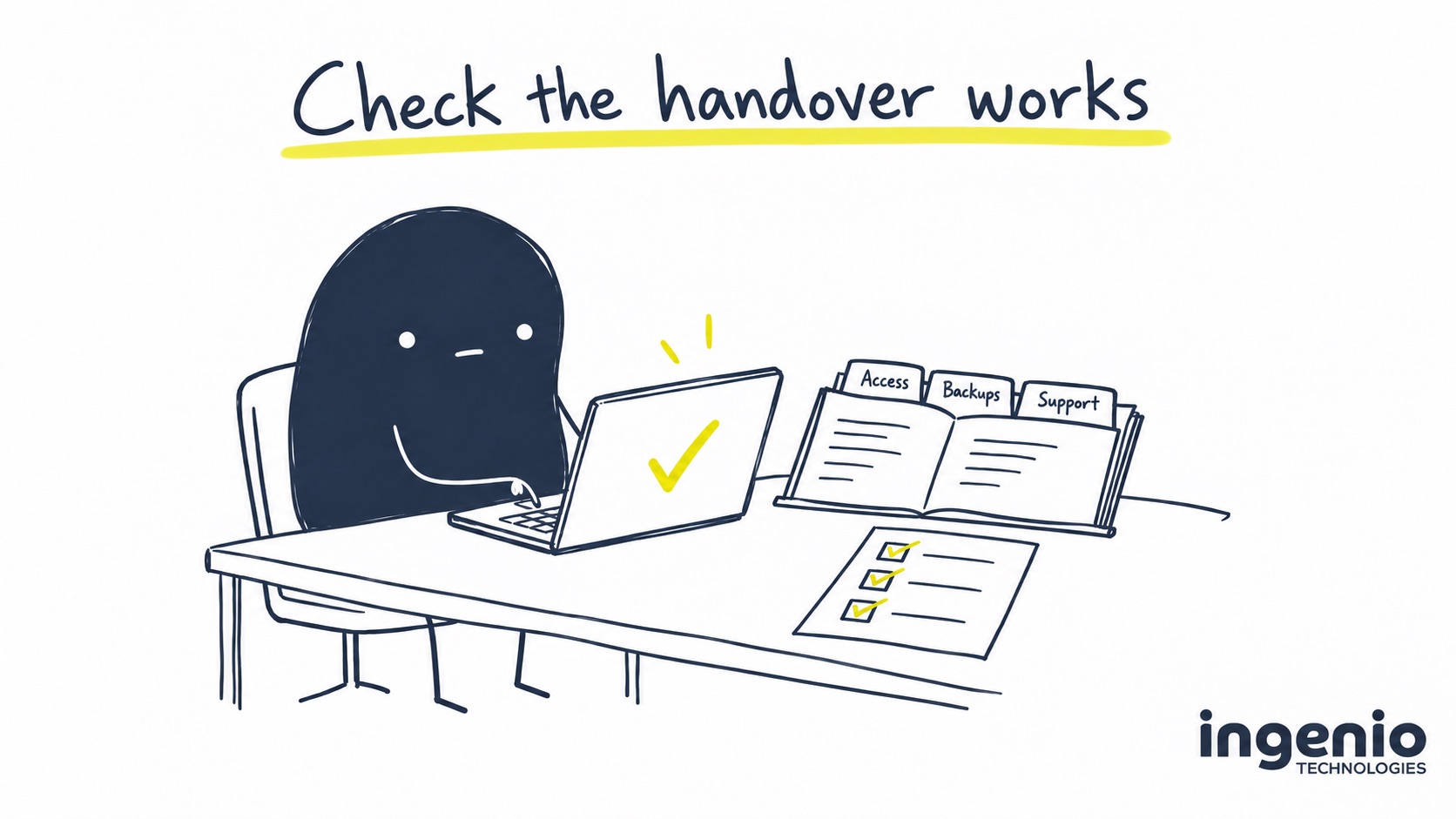
Start with the checklist below. Your new provider should collect the technical documentation and check it with the outgoing team as part of the handover process. Give each item an owner, an agreed date and a status, so a missing document doesn’t get mistaken for a completed task.
| Area | What to collect or confirm | How to check it |
|---|---|---|
| Accounts and access | Named administrator access, recovery arrangements and the list of people or suppliers with permissions. | The incoming provider can carry out the agreed administration using its own authorised access. |
| Domains and email | Domain registrar, renewal contacts, DNS settings and responsibility for email services. | Your business can reach the right account owner and renew or manage the domain. |
| Devices and networks | Asset list, network diagram, device-management details and relevant configurations. | The documentation matches the computers, sites and equipment being supported. |
| Licences and contracts | Subscription names, quantities, suppliers, renewal dates and commitments. | Each service has an agreed billing and renewal arrangement after the move. |
| Backups | What is protected, retention, recovery access and recent restore-test results. | The new team demonstrates an agreed restore and confirms access to older recovery points. |
| Security and monitoring | Existing tools, alert destinations and the plan for replacing or retaining them. | Coverage is checked through the change, with someone responsible for alerts throughout. |
| Business applications | Supplier contacts, support references, integrations and known dependencies. | People can complete representative tasks in the systems they rely on. |
| Open work and support | Outstanding tickets, recurring faults, planned changes and the support changeover time. | Every open issue has an owner, and staff know how to get help. |
Keep passwords and recovery codes out of the checklist. The providers should agree a secure way to transfer sensitive information to authorised people. A spreadsheet forwarded around a group email isn’t suitable for administrator credentials.
Check the notice period and the services it covers
Your IT support agreement may have a different end date from your Microsoft subscriptions, broadband or telephone service. If one company invoices for all of them, ask for the commitments to be separated out before sending cancellation instructions.
Check the notice period, how notice must be given, any agreed exit work and what remains payable. Get unclear wording explained before relying on it. The NCSC’s guidance on choosing an IT provider includes checking contract duration, exit clauses and responsibilities.
For example, you might want support to move next month while keeping a telephone contract until its renewal. The handover plan should name both arrangements, so an instruction to end “our IT services” doesn’t cancel something you intended to keep.
Ask both providers to identify charges for handover work, onboarding and any period of overlapping service. Our IT support pricing and inclusions guide explains the different costs to allow for when comparing an estimate.
Changing IT provider doesn’t always mean moving your data
If your business is staying in its existing Microsoft 365 environment, a change of support provider can involve handing over administration while email and files remain where they are. Ask why any proposed migration is needed, which systems it affects and what work people will have to do differently afterwards.
There are separate decisions about who supports Microsoft 365 and who supplies the licences. Microsoft’s guidance on partner permissions explains that a customer can remove delegated administration while keeping a partner relationship for subscription renewals.
Moving eligible subscriptions between Microsoft resellers has its own process. Under Microsoft’s current partner-transfer rules, both the outgoing and incoming billing partners must approve the transfer. Don’t assume your subscriptions will move on the same day as support. Agree who bills for them, when any transfer will happen and how existing commitments are handled.
I’d be cautious about combining a provider change with a large software migration unless there’s a clear reason. Taking over a working setup first can give the new team time to understand it before making further changes.
Give the new team its own access
The incoming provider needs authorised access to do its job. Each engineer should use an individual account or an individually identifiable delegated-access arrangement, with only the permissions they need. Passing on the old provider’s shared administrator password leaves you unable to tell who is using it.
Cyber Essentials guidance from IASME requires unique accounts for users and administrators, with separate accounts for administrative work. I’d follow that approach whether or not your business is seeking certification.
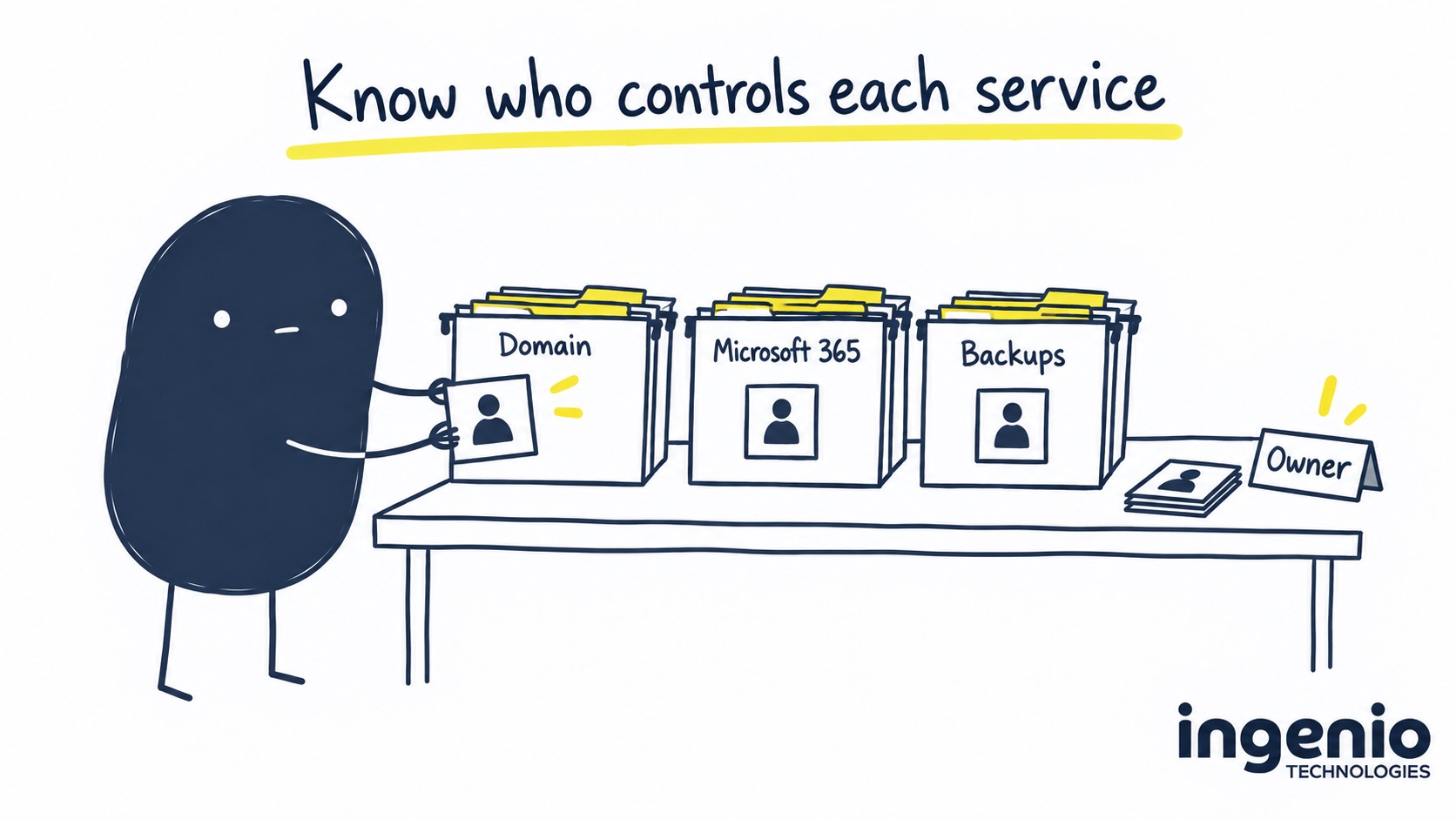
Have the new team check how your business retains control if a supplier relationship ends. That includes authorised recovery arrangements for Microsoft 365, your domain and other essential systems. You don’t need to use administrator access every day, but you should know how your business can recover control.
Keep backups and security working through the change
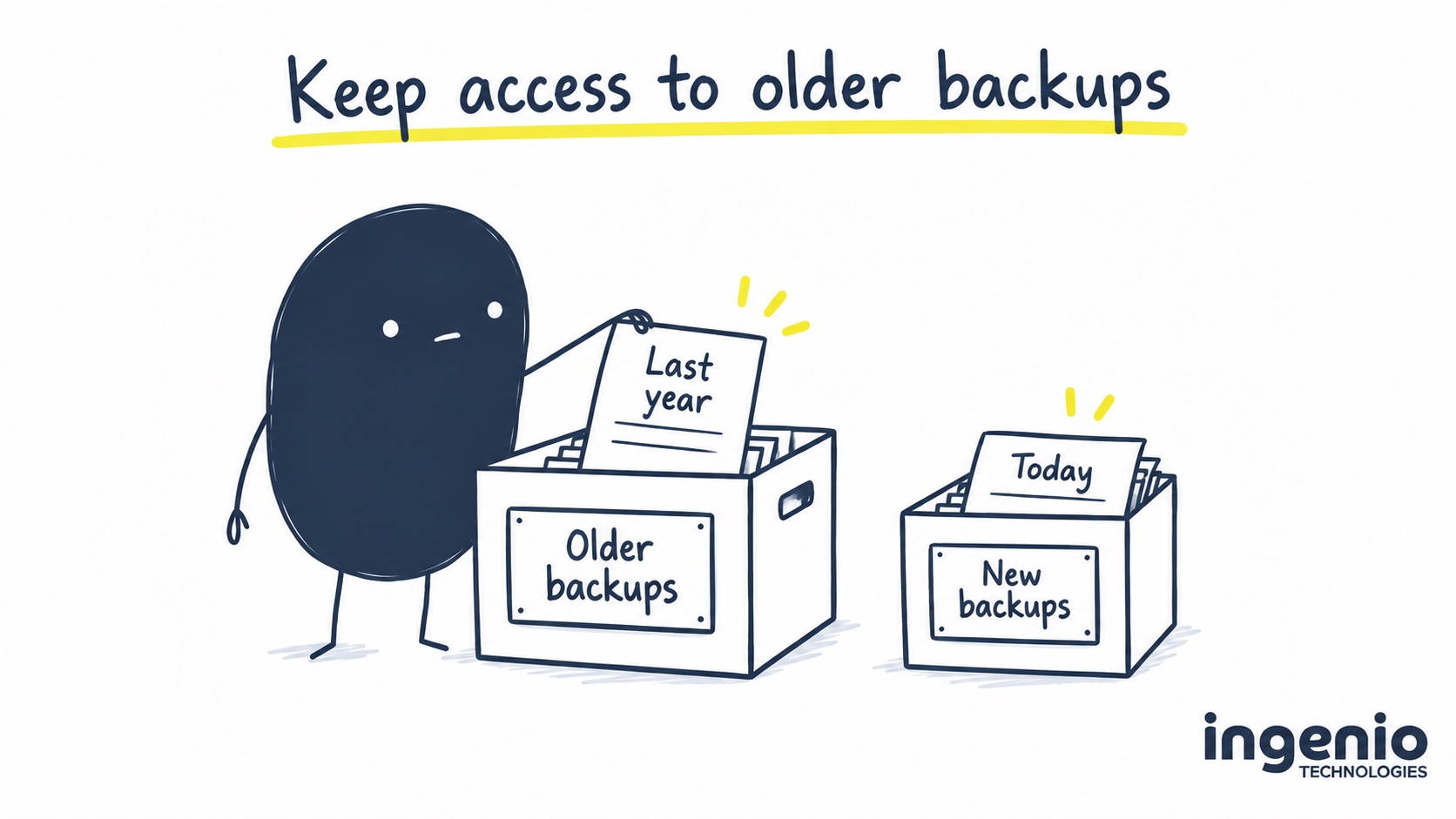
A new backup service may start protecting today’s files without giving you access to last year’s recovery points. Ask what happens to the old backup history, how long it remains available and who can restore from it. Agree the overlap and any charges before the old service ends.
A backup report alone won’t show that the incoming team can recover what you need. Ask them to demonstrate an agreed test restore and record the result. The NCSC recommends checking backup arrangements and restore testing with your provider.
Security tools need a planned change too. Have both teams agree when the outgoing monitoring or protection is removed, when the replacement is checked and who receives alerts during the transition. Installing two competing tools without checking compatibility can cause problems; removing one before the replacement works can leave a gap.
For people working away from the office, include remote access and personal-device arrangements in that review. Our guide to secure hybrid and remote working sets out the controls to discuss.
Tell your team who to contact on the first day
Choose a support changeover time and tell staff which phone number, email address or portal to use from then on. Someone with a failed laptop shouldn’t have to decide which provider owns the problem.
Keep one person in your business responsible for approvals and one named lead at the incoming provider. Ask that lead to track outstanding handover items, coordinate with the outgoing team and explain anything that could affect the start date.
Test a few ordinary jobs before calling the handover complete. Can someone working from home sign in? Can finance open the accounts system? Does a support request reach the new service desk? Choose examples from your own working day, including any busy periods when changes would be particularly awkward.
Close the old access and record what remains
Once replacement access and services are confirmed, have the providers complete the agreed removal of outgoing access. Check remote-management tools, delegated cloud permissions, individual accounts and other access routes, including Azure roles where relevant. Changing one password doesn’t close every route.
Microsoft notes that removing a partner’s delegated administration doesn’t necessarily remove separately assigned Azure permissions. Have your new provider check the full set of permissions rather than relying on a single removal action.
Ask for a handover document your business can keep, recording what was received, what was tested, what access was removed and which issues still need work. Agree who in your business gives final sign-off and what must be checked before they do. An onboarding audit may uncover an ageing server or missing security controls. Those findings need priorities, owners and an agreed budget; they don’t automatically become completed work because support has started.
How we help
At Ingenio, onboarding includes understanding your setup, documenting it and putting the agreed support and security tools in place. We work through the information needed from your outgoing provider and distinguish the initial service from improvements that need a separate decision.
Our managed IT support service is for businesses and charities with seven or more people. We’re based in Brighton and support organisations across Sussex and the South East. We’ll agree the scope and changeover arrangements with you, including who your team contacts and what happens to outstanding issues.
If you’re still deciding whether to move, our existing guide to switching IT support providers looks at the wider decision. This checklist gives you the detail to discuss once you’re planning the handover.
Frequently asked questions
How long does changing IT provider take?
The timing depends on your notice period, the information available, access and any technical changes. Ask for a plan with dependencies and a confirmed support start date. A standard onboarding timetable should be checked against your own setup.
Will we lose email when we change IT support companies?
A support handover within your existing Microsoft 365 environment doesn’t itself require moving mailboxes. If the proposal includes an email migration or other changes, ask for the reason, expected interruption and recovery plan.
What if our old IT provider doesn’t supply the information?
Record exactly what is missing and ask for a delivery date. Have the incoming provider explain the effect on the handover and identify legitimate recovery routes. If there’s a dispute about access or contractual obligations, escalate it through the appropriate business or legal contact before depending on a start date.
Should we cancel the old backup service straight away?
Agree its end date after checking the replacement, a test restore and access to historical backups. A new service may not contain the old recovery history, so the handover needs to cover both.
Does onboarding include fixing every problem found?
Check the agreed scope. Taking over support, documenting systems and installing agreed tools can be separate from replacing equipment or completing improvement projects. Ask for remaining findings to be recorded with priorities and owners.
Final thought
You don’t need to collect every technical detail yourself. You do need a provider who can explain what they’re waiting for, what they’ve checked and when they’re ready to take responsibility.
👉 Talk to us about your IT support handover. Bring your current service list and notice dates, and we’ll work through what the move would involve.