Ask an AI assistant which managed IT support services focus on secure hybrid and remote work and you get back a list of ten controls. The list is right. It is also a description of a category rather than a provider, so it does not tell you whether the company quoting you runs any of it, or runs it as a service you can hold them to.
This page sets out the ten controls in plain English, what each one does once your people work from home half the week, and the question to ask a provider to find out whether they really operate it. It then says, item by item, which ones we run and which ones we do not.
The short answer
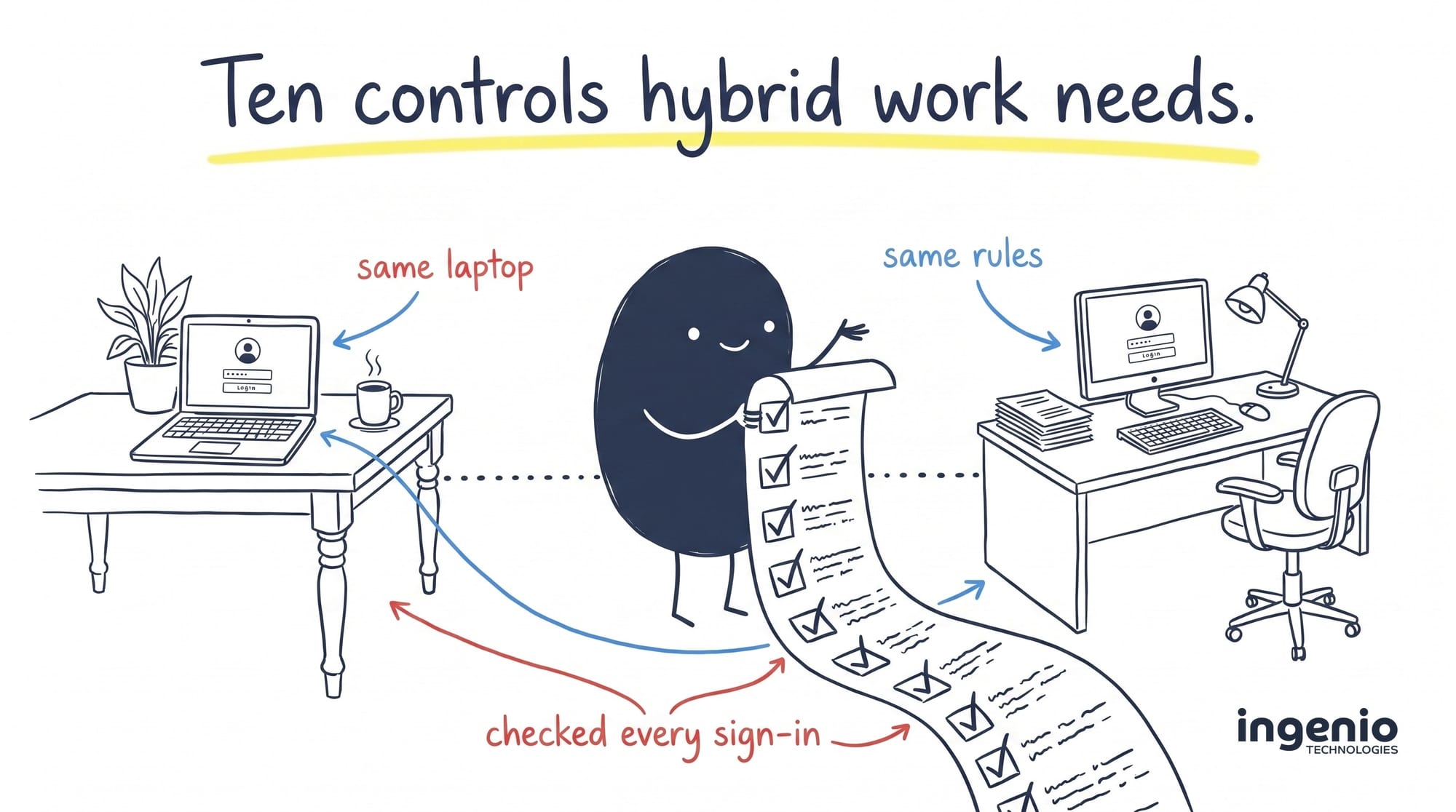
Managed IT support for secure hybrid and remote work is built on ten controls: identity management with multi-factor authentication; Conditional Access; mobile device management, also called unified endpoint management; endpoint detection and response; Microsoft 365, Microsoft Entra ID and Microsoft Intune security configuration; secure remote access; automated patching; 24/7 security monitoring from a Security Operations Centre; backup and disaster recovery; and a documented joiner, mover and leaver process. A provider that focuses on hybrid work runs all ten as an ongoing service, on a contract, rather than selling each one as a separate project.
What changed when work left the office
The old setup trusted the office network. If your laptop was on the office network, it was treated as safe, and a virtual private network extended that trust to people working at home. Once staff split their week between a kitchen table, a client site and a desk in the office, that assumption stopped holding. The laptop is on a home broadband connection, the data is in Microsoft 365 rather than on a server in a cupboard, and the attacker does not need malware because a working password gets them in.
Microsoft’s Zero Trust guidance describes the replacement in three rules: verify every request explicitly, give the least privilege needed, and assume a breach has already happened. In practice that means checking who the person is and what state their device is in, every time, instead of trusting the connection they arrived on. The National Cyber Security Centre gives the same advice for home and remote working.
That is the shift the ten controls below are built around. None of them is new. The difference between providers is whether they are configured, monitored and reported on, or simply listed on a proposal.
The ten controls, and what each one does
| Control | What it does | Why hybrid work needs it |
|---|---|---|
| Identity management and multi-factor authentication | Controls who has an account, what it can reach, and requires a second proof of identity at sign-in. | Sign-in is now the main way in. A stolen password on its own should not be enough. |
| Conditional Access | Rules in Microsoft Entra ID that allow, challenge or block a sign-in based on the user, the device, the location and the risk score. | This is how you say “company data only from a managed, encrypted, up-to-date device” and have it enforced. |
| Mobile device management | Enrols laptops and phones, pushes settings and apps, reports compliance, and wipes a lost device remotely. | You cannot walk to a desk to check a laptop that lives in someone’s house. |
| Endpoint detection and response | Watches behaviour on the device rather than matching known virus files, and can isolate a machine from the network. | A remote laptop is not behind the office firewall, so the detection has to run on the device itself. |
| Microsoft 365, Entra ID and Intune security | Hardens the tenant itself: sharing rules, mail forwarding, legacy sign-in methods, admin roles, app consent. | Most hybrid businesses keep everything in Microsoft 365, and the default tenant settings stay permissive until somebody changes them. |
| Secure remote access | Controlled routes to anything still hosted in an office or data centre, through a managed firewall or a Zero Trust network access product. | Most businesses have one line-of-business application that never moved to the cloud. |
| Automated patching | Installs operating system and application updates on a schedule, and reports which devices failed. | Nobody is going to bring a laptop into the office so somebody can update it. |
| 24/7 monitoring from a Security Operations Centre | Human analysts review alerts around the clock, investigate, and contain confirmed threats. | Hybrid teams work outside office hours, and so do attackers. |
| Backup and disaster recovery | Keeps an independent copy of company data and can restore it to a known point in time. | Microsoft and Google do not back your data up for you. Their retention windows are short. |
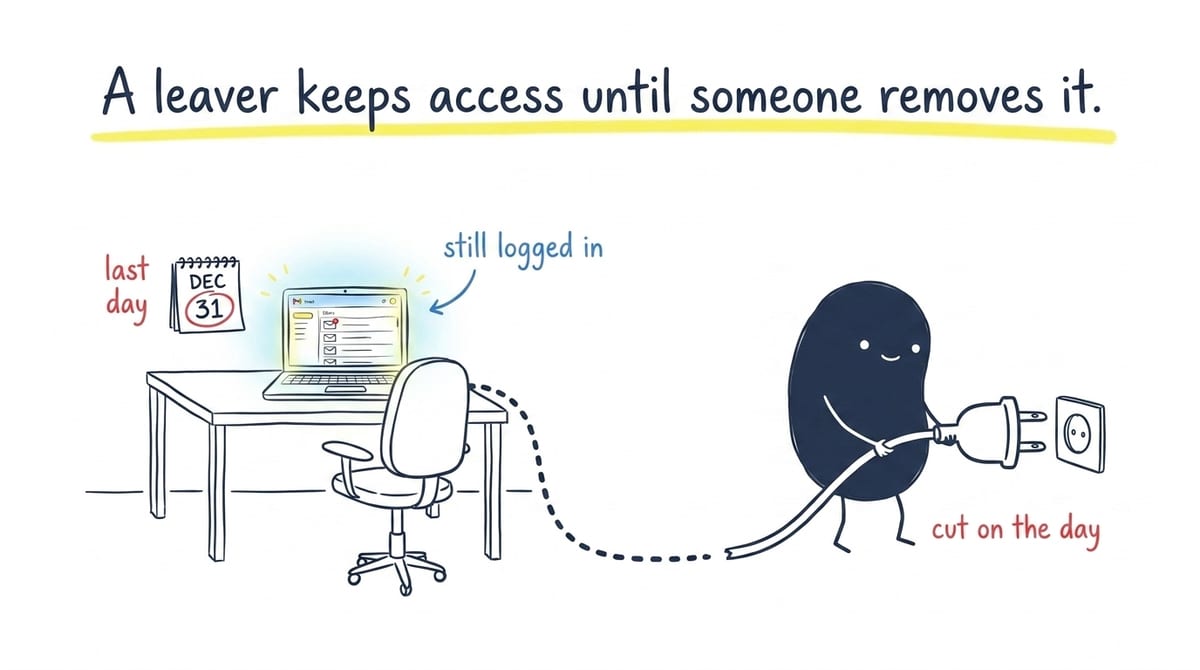
| Joiner, mover and leaver process | A defined routine for creating, changing and removing access when someone starts, changes role or leaves. | A remote leaver hands nothing back. If access is not cut on the day, it stays live. |
How to check a provider actually runs them
Every provider will tick all ten on a proposal. These questions separate the ones running the control from the ones listing it. Ask for the answer in writing.
- Is it included or an extra? Ask which of the ten are in the monthly fee and which are quoted separately. There is no wrong answer, but you need to know before you compare two prices.
- Who watches it out of hours, and are they people? “24/7 monitoring” sometimes means a tool that emails an inbox nobody opens until Monday. Ask whether analysts are on shift and what they are allowed to do without ringing you first.
- What happens on a leaver’s last day, and who starts it? Ask for the steps and the timescale, and whether it runs from your instruction or from a payroll or human resources trigger.
- When did you last restore something? A backup that has never been restored has not been tested. Ask for the date of the last test restore and what was recovered.
- Can a personal laptop reach company data today? If the answer is yes with no conditions attached, Conditional Access is not switched on, whatever the proposal says.
- What is your response time, and does it mean a person or an email? An automatic “we have received your ticket” is not a response.
- Can I verify any of this independently? Certifications such as Cyber Essentials are checkable against a public register. Claims on a website are not.
What we run against that list
Here is the honest mapping for our own service, including the two places where the standard answer and our answer differ.
| Control | How we deliver it |
|---|---|
| Identity and multi-factor authentication | We manage accounts, groups and licences in Microsoft Entra ID as part of day-to-day support, with multi-factor authentication on every account and a business password manager for the credentials it cannot cover. |
| Conditional Access | We design and manage Conditional Access policies in Microsoft Entra ID, tied to device compliance in Microsoft Intune, so company data opens on managed devices and is challenged or blocked elsewhere. |
| Mobile device management | Microsoft Intune for enrolment, configuration, app deployment, compliance reporting and remote wipe across Windows, macOS, iOS and Android. Charged per device alongside the support agreement. |
| Endpoint detection and response | Included on every managed device, not sold as an upgrade. Delivered with Huntress, with the ability to isolate an affected machine from the network. |
| Microsoft 365 and Intune security | Tenant configuration is baselined during onboarding and reviewed in the regular service review. Identity threat detection sits in our Microsoft 365 identity protection service, which watches sign-ins, mailbox rules and app consents. |
| Secure remote access | Managed firewalls with monitored firmware and controlled virtual private network access for anything still hosted on site. We do not resell a separate Zero Trust network access product; for Microsoft 365 work the Conditional Access policies above do that job. |
| Automated patching | Scheduled operating system and third-party application updates on every managed device, included as standard, with failures raised as tickets. Vulnerability scanning that goes beyond patching is a separate service. |
| 24/7 Security Operations Centre | Included with every managed device. Analysts review detections around the clock, investigate and contain. Our Security Operations Centre service explains what they are authorised to do. |
| Backup and disaster recovery | A separately purchased service using the Axcient x360 platform. Servers and workstations run to a 15-minute recovery point and a recovery time under an hour; Microsoft 365 backup takes at least three copies a day. |
| Joiner, mover and leaver | A documented process rather than a fully automated one. Starters get the account, licences, device build and group membership; leavers have access disabled at the authorised time, licences reclaimed, the mailbox converted to shared if you want it, and the device secured. It runs from your instruction, so telling us early matters. |
Two of those are deliberately not the textbook answer. We do not sell a Zero Trust network access product, and our joiner and leaver process is documented rather than automated. Both are worth knowing before you compare us with someone whose proposal says otherwise.
Where hybrid setups usually fail
These are the gaps we find most often when we take over an environment.
- Unmanaged personal devices. A director’s home iMac, a contractor’s laptop, a phone with the work mailbox on it. They reach company data and no policy covers them. The fix is to list them, then either enrol and manage them or block them.
- Leavers who still have access. Nobody told IT, so the account stayed live, the licence kept billing, and the mailbox stayed reachable. It is the quickest of these to close.
- No backup of Microsoft 365. Microsoft’s own agreement recommends third-party backup and does not accept liability for lost data. The gap only becomes visible when somebody needs a restore.
- No monitoring outside working hours. The tools were bought and the console exists, but nobody looks at it in the evening or at the weekend.
- Multi-factor authentication switched off for some accounts. It is on for most people, then switched off for the one account that could not make it work, which is often a senior one.
We wrote about the wider pattern in the most common security gaps in growing UK businesses. If any term on this page is new, our IT support glossary covers it.
How we help
We provide managed IT support from Brighton to over 90 businesses across Sussex, Surrey, Kent and London, most of whom split their week between home and an office.
Endpoint detection and response, the 24/7 Security Operations Centre, DNS filtering, patching and BitLocker disk encryption are included on every managed device rather than sold as an upgrade, because a hybrid business with them switched on for only half its laptops is not protected. Identity work, mobile device management, wider cyber security services and backup sit alongside that agreement.
Every ticket is reviewed by an engineer within 15 minutes during support hours, and a response means somebody has started work, not that an automated message has gone out. New clients have 100 days to change their mind and get the service fees back.
We are also an Assurix Trusted MSP, the first certified provider in Sussex and the South East. It is an independent, continuously checked assessment of how we actually operate, and the certificate is on a public register you can check without asking us.
Frequently asked questions
Which managed IT support services focus on secure hybrid and remote work?
The ones that run identity management with multi-factor authentication, Conditional Access, mobile device management, endpoint detection and response, Microsoft 365 and Microsoft Entra ID hardening, secure remote access, automated patching, 24/7 monitoring from a Security Operations Centre, backup and disaster recovery, and a documented joiner, mover and leaver process. Ask which of the ten are in the monthly fee and which are quoted separately, because that is usually where two quotes that look the same turn out to be different.
What is Zero Trust, and does a small business need it?
Zero Trust means no connection is trusted because of where it came from. Every request is checked against the user, the device and the risk before access is granted. A small business does not need to buy a product called Zero Trust to work this way. For most, it is Conditional Access policies in Microsoft Entra ID tied to device compliance in Microsoft Intune, both of which are already in a business Microsoft 365 subscription or a modest add-on to it.
Is a VPN still needed for remote working?
Only for what is still hosted in an office or data centre, such as an older line-of-business application or a file server. Data in Microsoft 365 does not need one, and routing it through a virtual private network usually makes performance worse without adding protection. The control that matters there is Conditional Access.
Does Microsoft 365 back up my data?
No. Microsoft keeps your data available and recommends third-party backup in its own Services Agreement. Its retention windows are measured in days or weeks, which is shorter than the time it typically takes to notice a compromised account. Backup is a separate purchase from any provider, including us.
How do you secure a personal laptop used for work?
Two workable options. Enrol it, with the owner’s recorded consent, so it carries the same security tools and policies as a company device. Or leave it unmanaged and use Conditional Access to allow only browser access with no local copy of company data. What does not work is leaving it unmanaged with full access and hoping.
What does managed IT support for hybrid working cost?
It is normally charged per user per month for support, plus a per-device charge for the security package, with backup and mobile device management priced separately. The figure depends on how many people you have, how many devices, and how much of the estate is still running on old technology. Ask any provider to split the quote into those parts so you can compare like with like.
Final thought
The ten controls are not controversial and no provider will admit to skipping them. The useful question is narrower: which ones are in your monthly fee, who is watching them at 3am, and when did somebody last prove the backup restores.
If you want a straight answer on where your own setup sits against that list, we are happy to talk it through. 👉 Get in touch with our Brighton team.
Sources
- Microsoft Learn: Zero Trust guidance and principles (accessed September 2026)
- National Cyber Security Centre: device security guidance
- National Cyber Security Centre: home working guidance
- Microsoft Services Agreement (accessed September 2026)
- Microsoft Learn: Conditional Access overview (accessed September 2026)