
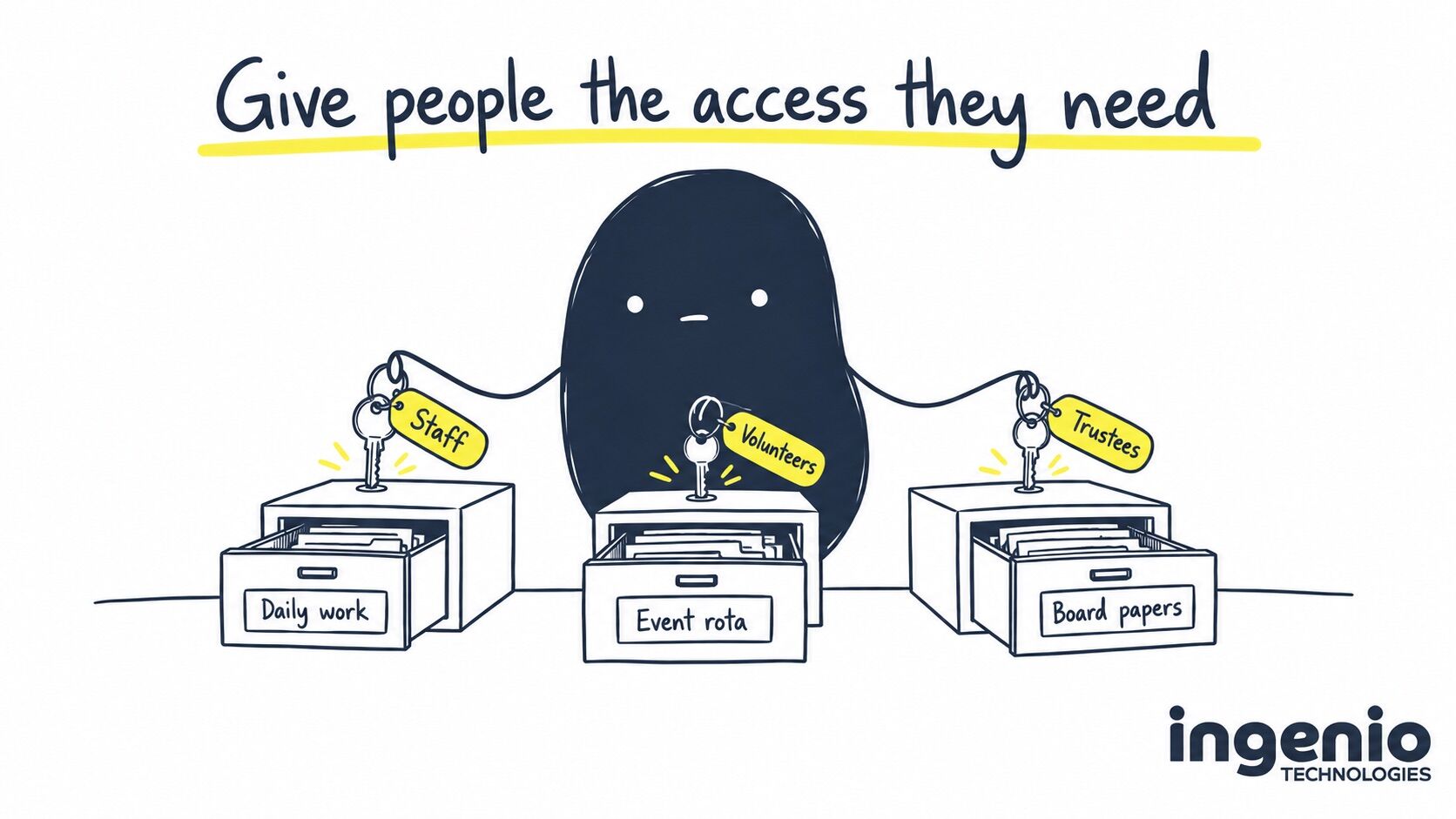
Your charity has a small staff team, volunteers who come and go, and trustees who need to read papers before the next meeting. They all need to work together, but giving everyone the same Microsoft 365 setup can mean paying for things some people won’t use. Sharing a login creates a different set of problems.
I’d start with what each person needs to do. Someone managing donor records every day needs a different arrangement from a volunteer checking an event rota. Once you’ve worked that out, choosing accounts, licences and support becomes much easier.
Microsoft 365 for charities: start with the people
Before looking at subscriptions, write down who needs charity email, which documents they use and whether they’ll work on your computers or their own. Include trustees and occasional volunteers. It’s easy to count the people on payroll and miss someone who handles sensitive information every month.
The table below is a starting point for that conversation. These are examples of access needs, rather than automatic licence assignments.
| Person | What they need to do | What to agree |
|---|---|---|
| Paid staff member | Use charity email, prepare documents and work with colleagues. | A named account, suitable apps and access to the files their job needs. |
| Regular volunteer | Answer enquiries or organise activities on the charity’s behalf. | Whether they need a charity mailbox, which systems they use and who supports them. |
| Occasional volunteer | Read an event rota or help with a specific project. | Whether limited guest access will do, who approves it and when it ends. |
| Trustee | Read board papers, discuss decisions and review reports. | A restricted board area, a suitable sign-in method and the device they’ll use. |
| Finance or service-delivery colleague | Work with financial records or confidential information about people receiving support. | Access to the relevant system, with permissions agreed by the person responsible for that information. |
A trustee may need detailed financial reports without needing access to every beneficiary record. A volunteer may need an organisational email address even if they only work one day a week. Hours worked are a poor substitute for understanding the role.
Is Microsoft 365 still free for charities?
Microsoft offers checked on 12 September 2026. Offers, eligibility and subscription terms can change. Follow the source links below when you’re ready to order or renew.
Some Microsoft 365 licences are still available through a grant. Microsoft’s UK nonprofit plans page currently lists Microsoft 365 Business Basic as free for up to 300 eligible users. Business Standard and Business Premium are available at discounted nonprofit rates.
The previous Business Premium grant ended at customers’ renewals on or after 1 July 2025. Microsoft’s grant retirement announcement explains the change. If you’ve heard that Microsoft is no longer free for charities, this is probably the change being referred to.
Business Basic provides charity email and web and mobile versions of familiar apps. It doesn’t include the desktop Office apps or the same device-management and security capabilities as Business Premium. Someone who works in desktop Microsoft Excel, or needs a managed laptop, may need a different plan. Check the exact subscription name if your paperwork still says Office 365; the name alone won’t tell you which features you have.
Who qualifies for nonprofit grants and discounts?
Microsoft’s nonprofit eligibility rules distinguish between grants and discounts. Grants are for paid employees and qualifying unpaid executive staff. Discounts also cover general volunteers and temporary staff. Donors, members and beneficiaries don’t qualify merely because they’re connected to the charity.
Microsoft includes board directors among qualifying unpaid executive roles. For trustees, check the person’s actual role against that definition before assigning a grant licence. The word “volunteer” alone doesn’t settle it.
Your charity must also qualify as an organisation. Registration must be completed by an employee or strategic volunteer of the charity; an IT provider can guide you but cannot register on your behalf. Keep someone responsible for eligibility confirmations and reviewing unused grants. You can begin through the Microsoft nonprofit portal.
I’d keep a simple record beside the licence list: the person’s role, why that offer applies and who checked it. It gives the next person looking after Microsoft 365 something better to work from than an unexplained list of subscriptions.
Does every volunteer need their own Microsoft 365 licence?
A volunteer who needs a charity mailbox and full access to Microsoft 365 may need a discounted licence. Someone helping with one event may only need guest access to a particular team or set of documents. Microsoft describes both options in its nonprofit licensing FAQ.
Guest access lets you invite an external person to collaborate on selected resources. It needs to be configured and managed: inviting someone into a Microsoft Teams team can give them access to that team’s conversations and files. Microsoft’s Teams guest-access guidance explains how the settings work.
For example, imagine a volunteer organising a sponsored walk. They need the planning documents and rota, but the finance team’s files have no part in that job. Give the event its own space, decide who can invite others and agree when the volunteer’s access will be reviewed.
Give each person their own sign-in
I’d apply Cyber Essentials account rules even if your charity isn’t seeking certification. IASME’s guidance is clear: shared user accounts don’t meet the scheme’s requirements. Each person needs their own account, with access limited to their role. That includes volunteers and trustees; a shared “volunteers@” login isn’t a way to save on licences.
If an auditor asks who can see donor records, you should be able to show a list of named people, who approved their access and when it was last reviewed. The same records help you remove access when someone leaves. Agree any specific evidence requirements with your auditor or funder, whether or not you’re Cyber Essentials certified.
You can still have a shared enquiries mailbox. In Microsoft 365, authorised people open it through their own individually licensed accounts, with permission to use that mailbox. Its own sign-in stays blocked, so nobody needs to pass a password around. Microsoft’s shared-mailbox guidance explains the setup and licensing requirements.

Personal laptops need an agreed approach
A trustee reading board papers on a home laptop is still handling charity information. Before allowing it, agree what can be opened, whether files may be downloaded and what happens if the device is lost or used by another family member.
For sensitive work, a charity-owned, managed computer may be the more sensible choice. Where personal devices are appropriate, your IT provider should explain the available restrictions and what they can and cannot enforce. Browser access alone doesn’t prevent someone taking a photograph or copying information elsewhere.
Multi-factor authentication adds a check when someone signs in. People also need help setting it up and a way to recover access if they change their phone. Our guide to secure hybrid and remote working explains the wider device and account controls to discuss with your provider.
Decide how access ends before someone leaves
The person organising volunteers often knows that someone has left before IT does. Agree how that message reaches your support team, including the date access should end. The same process should cover trustees finishing their term and staff changing roles.
For a planned departure, the handover should cover:
- Who needs the person’s working documents and ongoing correspondence.
- When to block sign-in, end active sessions and remove access to other charity systems.
- Which devices or other equipment need returning.
- What information must be retained, and when licences can be removed or reassigned.
Keep shared charity documents in an agreed team location, such as a SharePoint library, so the next person can find them. If working files are in someone’s OneDrive, agree who takes them over. Before removing an account or licence, have IT check the retention and handover requirements. Microsoft’s guide to removing a former user sets out the stages.
Budget for help as well as software
A discounted licence doesn’t tell you who will help a volunteer sign in ten minutes before an event. Your support agreement needs to say who is covered, which devices the team will help with and what hours that help is available.
For example, a trustee may only need occasional assistance, but their first board meeting is a poor time to discover that nobody has checked their access. Include an introduction to the systems when people join, and make the support contact easy to find.
At Ingenio, we offer charities a discount on our per-user support charge. We can also supply eligible Microsoft nonprofit licences, passing through the Microsoft licensing cost without adding a markup. Those are separate parts of the budget. Our IT support pricing and inclusions guide explains the wider costs to allow for; we’ll confirm the charity discount and your requirements in an estimate.
Security-awareness training is an optional bolt-on. If you’d like it for staff, volunteers or trustees, include those groups when discussing the scope.
Other charity benefits worth checking
These resources were also checked on 12 September 2026. Each programme has its own eligibility rules. A Microsoft approval doesn’t automatically qualify your charity elsewhere.
- Canva for Nonprofits offers free access to premium design tools for eligible organisations. It could help the person producing your event posters and supporter updates.
- Google Ad Grants provides eligible charities with in-kind Google Search advertising. It requires an application and ongoing campaign management; it isn’t cash you can use to pay another bill.
- The NCSC’s small-organisation resources include free security tools and staff training suitable for charities.
Start with a task you already need to do. A free design subscription could replace something you’re paying for, but setting up another system that nobody needs will still take someone’s time.
How we help
Our charity IT support service covers organisations with seven or more people. From our Brighton base, we help charities agree access for staff, volunteers and trustees, manage Microsoft 365 and handle day-to-day support.
We’ll work through your people and devices with you, check which licensing offers apply and make the support scope clear. Your team should know who to contact when something stops working and who tells us when someone joins or leaves.
Our service desk is open 08:00 to 18:00, Monday to Friday, excluding public holidays. Tickets receive human review within 15 minutes during those hours, with work starting according to priority. If your charity runs evening or weekend activities, raise that when agreeing support arrangements.
Frequently asked questions
Can charities still get free Microsoft 365?
As checked on 12 September 2026, Microsoft offers Business Basic grants for up to 300 eligible users. Business Premium is available at a nonprofit discount. Check the linked Microsoft plans and eligibility rules before choosing.
Can volunteers use donated Microsoft 365 licences?
General volunteers qualify for discounted offers rather than staff grants. Qualifying unpaid executive staff are treated differently. Limited guest access may suit someone who only needs to collaborate on selected documents.
Can charity volunteers share a Microsoft 365 login?
Each person should have their own sign-in. Shared user accounts don’t meet Cyber Essentials requirements. A shared mailbox can still work for enquiries, with each authorised person accessing it through their own licensed account.
Should trustees use personal email for charity business?
I’d agree a board arrangement that lets the charity manage access and keep its records when trustees change. Whether that uses charity accounts or controlled guest access depends on the work, the information and the devices involved.
Does a Microsoft 365 licence include Ingenio IT support?
No. The licence and our support service are separate. We offer charities a per-user support discount and pass through Microsoft licensing costs without adding a markup. Your estimate sets out the people, devices and services covered.
Final thought
Take your staff list, volunteer list and trustee list to the same conversation. Once you can explain what each person needs to do, you’ll be in a much better position to choose the licences and support your charity needs.

