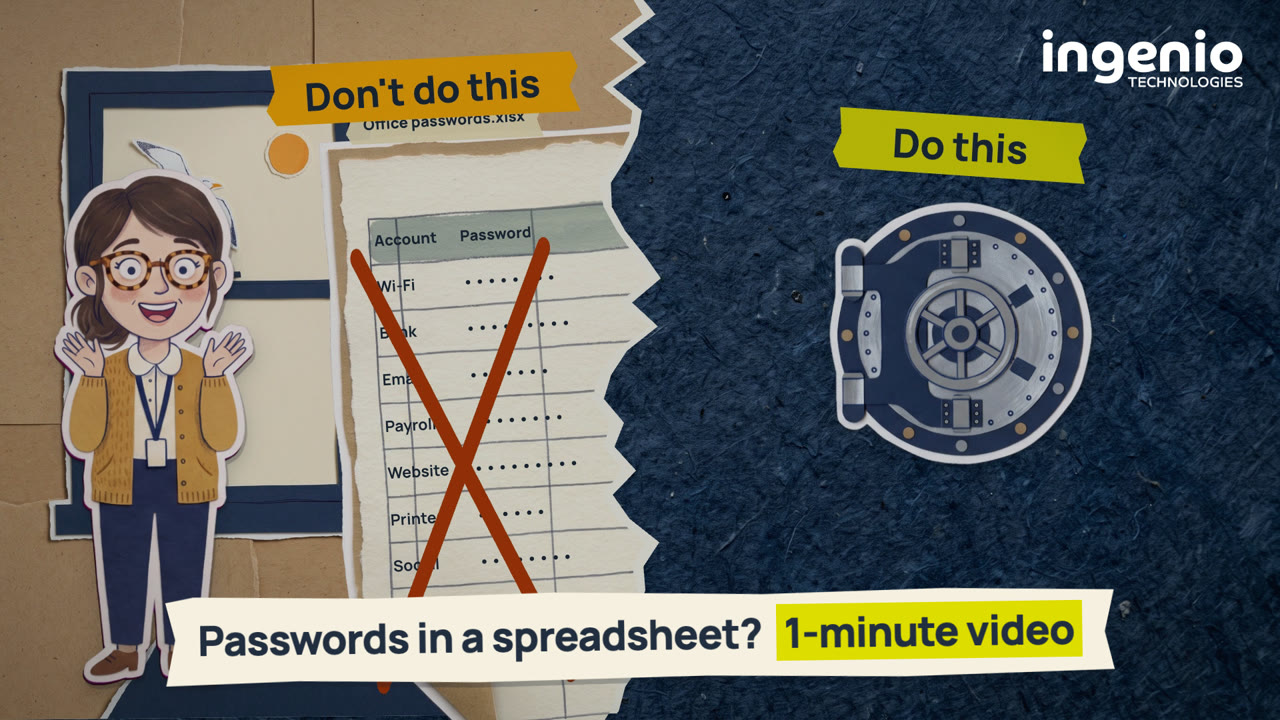
Lots of businesses keep shared passwords in a spreadsheet, but unless the file needs a password to open, anyone who gets a copy can read every password inside. Once it’s emailed or copied, it’s hard to know who has one, and when someone leaves, their copy can leave too. This one-minute video shows what a password manager does better: an encrypted vault, a strong, different password for each account, safer sharing of logins and one place to remove a leaver’s access.
Why is a password spreadsheet a risk?
An Excel file only needs a password to open if someone sets one. Without it, the file opens for anyone who has a copy. Microsoft also warns not to assume a workbook or worksheet is secure just because it’s protected with a password, and to think twice before sending out a workbook that could contain sensitive information.
Sheet protection doesn’t help either. Microsoft says it “isn’t intended as a security feature” and only stops people changing locked cells.
Copies are the other problem. A spreadsheet that holds every password can be saved, forwarded and attached, and nothing in Excel tracks where the copies go. When someone leaves, the NCSC’s advice is that any password they could see should be changed, which for a shared spreadsheet can mean every password in it. Our IT support handover checklist makes the same point about administrator passwords: a spreadsheet forwarded around a group email isn’t a safe way to hand them over.
What to do instead
- Move shared passwords into a password manager. A good one keeps them in an encrypted vault, and the NCSC recommends password managers for storing passwords. Our business password manager page explains how it works for a team.
- Let it create a strong, different password for each account. Most password managers include a random password generator. A different password for every account means a password leaked from one site won’t work on the others, which our password re-use video shows in under two minutes.
- Let it fill passwords in for you. A password manager should only offer a password on the correct website, which helps you spot a fake sign-in page.
- Share logins through the password manager, not by email. Business versions let you share passwords more safely, and some can show who has accessed a shared password.
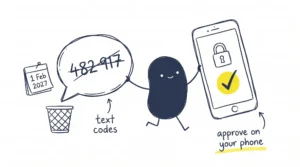
- Turn on two-step sign-in for the password manager itself. Then getting in takes your master password plus something you have, such as your phone.
Once everything is in the password manager, change the passwords the spreadsheet held, because old copies of the file may still exist.
Video transcript
Read the full transcript
Narrator: This is Sally.
Sally: Need a password? They’re all in the spreadsheet.
Narrator: Lots of businesses start this way. But unless the spreadsheet needs a password to open, anyone who gets a copy can read every password inside. And Microsoft says sheet protection isn’t a security feature.
Narrator: That one file holds every password. Once it’s emailed or copied, it’s hard to know who has one. When someone leaves, their copy can leave too, which can mean changing every password.
Narrator: So, don’t do this. Do this.
Narrator: A good password manager keeps passwords in an encrypted vault. It can create a strong, different one for each account, and fill it in only on the right site. Business versions let you share logins more safely, and remove a leaver’s access in one place. Many warn you if a password appears in a data breach.
Narrator: Getting in can take more than one thing: something you know, something you have, and something you are.
Narrator: The National Cyber Security Centre recommends password managers. Ingenio can set one up for you. Just ask.
Frequently asked questions
Is it safe to keep passwords in an Excel spreadsheet?
Not on its own. Unless the file needs a password to open, anyone with a copy can read it, and Microsoft warns not to assume a workbook or worksheet is secure just because it’s protected with a password. The NCSC recommends a password manager for storing passwords instead.
Does sheet protection keep a spreadsheet secure?
No. Microsoft says worksheet protection “isn’t intended as a security feature”. It only stops people changing locked cells, and it isn’t the same as protecting the file with a password.
What does a password manager do?
It stores your passwords in an encrypted vault, creates strong, different passwords for each account and fills them in on the correct website. Many also warn you if a saved password appears in a data breach.
Does the NCSC recommend password managers?
Yes. The NCSC recommends password managers for secure storage of passwords. Its Cyber Action Toolkit for small businesses says password managers are “one of the most effective ways to improve the security of your online accounts”, and that anyone in your business who logs in to important accounts should use one.
What should we do with passwords when someone leaves?
Change any password they could see or use. In a business password manager, an administrator may be able to remove them from shared password groups and see which accounts were in their vault, so you know what to change.
Isn’t it risky to keep every password in one place?
The NCSC says reputable password managers are designed to be highly secure and use strong encryption. Protect the password manager itself with a strong master password and two-step sign-in, so someone would need both your master password and your phone to get in.
How we help
At Ingenio, we set up a business password manager for your team and show people how to use it. We can also help you turn on two-step sign-in for Microsoft 365, and our Microsoft 365 identity protection service, powered by Huntress, watches for attackers signing in with stolen passwords. We’re based in Brighton and support businesses across Sussex and the South East.
Final thought
You can’t recall a copy of a spreadsheet once it’s been emailed. A password manager keeps every login in one encrypted vault, and when someone leaves, you remove their access in one place.
👉 Talk to us about setting up a password manager. We’re happy to talk it through.