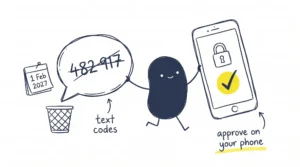
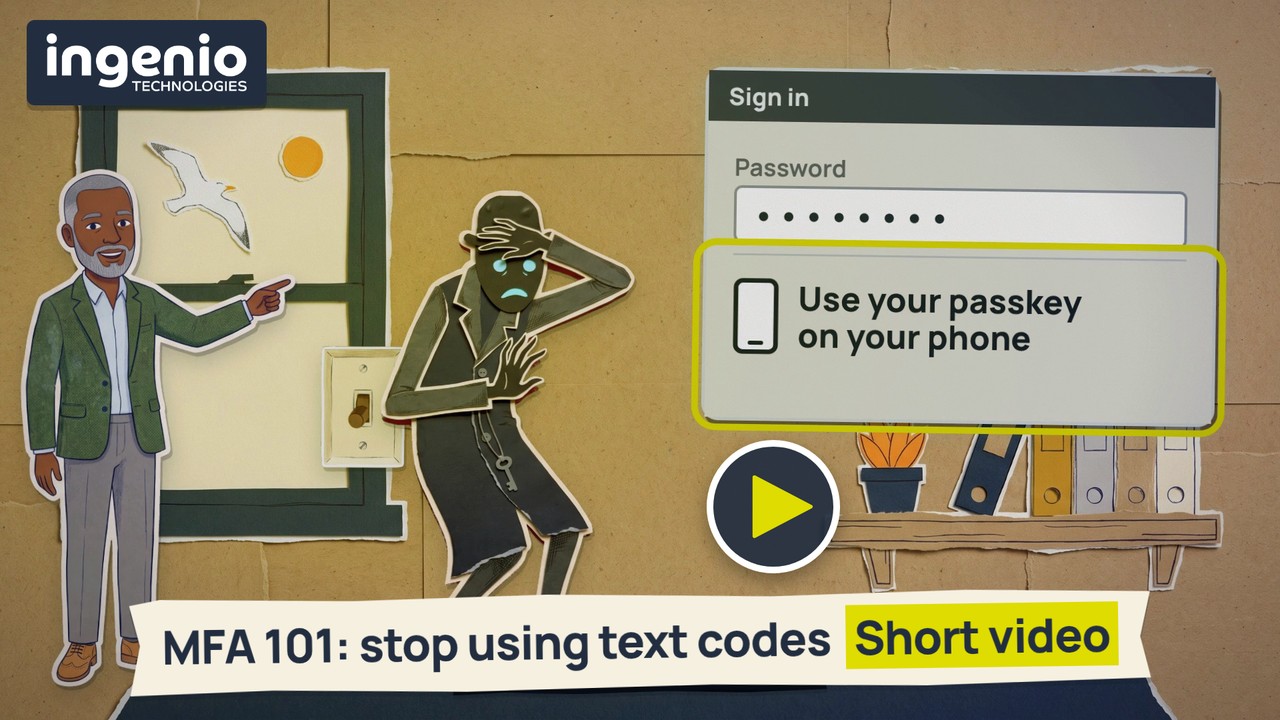
MFA, short for multi-factor authentication, means proving it’s you in two different ways when you sign in: something you know, your password, and something you have, usually your phone. This two-and-a-half-minute video explains why a code by text message is no longer good enough, what to use instead, and what a criminal can do with a stolen password when there’s no second check. Microsoft is switching off its own text and phone-call codes for Microsoft 365, and from 1 February 2027, staff whose only second check is a text or a call will have to set up a passkey to keep signing in.
Why does a second check matter?
Criminals don’t usually break into an account. They sign in with a password they already have, such as one a member of staff also used on another website that was later broken into. To Microsoft 365 it looks like a normal sign-in, so no warning goes off. Our video on password re-use shows how one leaked password opens other accounts.
Once inside, a criminal can read your email, set up an automatic rule that copies every new message to an address they control, and learn how you send invoices. Then they can email your customer an invoice from your real address with their own bank details on it. Because it comes from you, it looks genuine. Our invoice fraud video shows what to check before anyone pays new bank details.
With MFA switched on, a stolen password alone won’t get them in. They’d also have to get past your second check, usually your phone. The NCSC, the UK’s National Cyber Security Centre, puts it simply: a second factor means an attacker can’t get into an account with just a stolen password.
Why aren’t text message codes good enough?
A code by text is better than a password alone. The Cyber Essentials requirements say so too: text codes aren’t the most secure type of MFA, but they’re far better than none, and if another option works for you, use that instead. Criminals have two ways to get past a text code:
- They move your phone number. In a scam called a SIM swap, a criminal persuades your mobile network to move your number onto their SIM card. Every code meant for you then goes to them.
- They catch the code on a fake page. A fake sign-in page that looks like Microsoft’s asks for your password, then the code. You type both, and their software passes them to the real page within seconds.
What is Microsoft changing, and when?
Microsoft is retiring its own text and phone-call codes for signing in to Microsoft 365. Since 1 September 2026, anyone who gets codes by text or call has been asked to set up a passkey when they next sign in, and they can put the prompt off for now. From 1 February 2027, Microsoft stops sending text and call codes, and anyone whose only second check is a text or a call must set up a passkey before they can carry on signing in. Global Administrator accounts and external users follow on 1 July 2027. If your team already approves sign-ins with a tap in the Microsoft Authenticator app, nothing is being switched off for them. Our guide What is a passkey? covers the change in more detail.
What to do
- Find out who still gets codes by text. Microsoft provides a report that lists exactly who still signs in with a text or a call. That list is your to-do list, and your IT company can run it for you.
- Turn on MFA for every account that can be reached from the internet. Start with email and any administrator accounts, then banking, accounts software, payroll and social media. In most apps the setting sits under security, and it may be called two-factor authentication (2FA) or two-step verification instead.
- Move people off text codes. Use the Microsoft Authenticator app, which asks you to approve a sign-in with a tap on your phone, or better still a passkey. A passkey is a digital key kept on your phone or laptop, and you confirm it’s you with the fingerprint, face or PIN you already use. There’s nothing to type, so a fake page gets nothing. Passkeys are included with Microsoft 365 at no extra cost.
- Give everyone a second method. Register a backup for each person, such as their laptop as well as their phone, so a lost phone doesn’t stop them signing in.
- Plan for accounts several people share. A passkey tied to one person’s face doesn’t suit an inbox three people use. Options include a shared mailbox opened from each person’s own account, or a hardware key kept where the team works.
- Tell your team before the prompt appears. A two-line message about what’s coming beats a surprise prompt on a busy Monday.
Yes, a second check adds a little time to some sign-ins. You won’t be asked every time: depending on how it’s set up, the check comes back when something changes, such as a sign-in from a new device. Our beginner’s guide to 2FA and MFA explains the different methods.
Video transcript
Read the full transcript
Narrator: MFA stands for multi-factor authentication. When you sign in, you prove it’s you with two different checks. The first is something you know: your password. The second is something you have: usually your phone. So a stolen password alone won’t get a criminal in. They’d have to get past the second check as well. Many businesses get that second check as a code by text message. It’s better than a password alone, but criminals have two ways to get past it. First, they can persuade your mobile network to move your number to their phone. Then your codes go to them. Second, they send you a fake page that looks like Microsoft’s sign-in. You type in your password and the code, they pass both to the real page within seconds, and they’re in. That’s why Microsoft is switching off its own text and phone-call codes for Microsoft 365. From 1 February 2027, staff whose only second check is a text or a call will have to set up a passkey to keep signing in. Use the Microsoft Authenticator app instead. It asks you to approve sign-ins with a tap on your phone, instead of sending a text. Or better still, use a passkey. A passkey is a digital key kept on your phone or laptop. You unlock it the way you unlock your phone, with your fingerprint, face or PIN. There’s nothing to type, so a fake page gets nothing. Yes, it’s a bit annoying. It can add thirty seconds when you sign in, though you won’t be asked every time. Here’s what those thirty seconds can stop.
The criminal: I’m a criminal, and I’ve got your password. Someone on your team used it on another website, and that website was broken into. There’s no second check, so I just sign in. To Microsoft, it looks like a normal sign-in, so no warning goes off. I read your email. I set up an automatic rule that sends me a copy of every new message. I learn how you send invoices. Then I email your customer one from your real address, with my bank details on it. It looks genuine, so if they pay it, the money comes to me. That thirty-second check would have stopped me. Hmm? It wants a passkey from your phone. I don’t have your phone.
Narrator: Ingenio can set up MFA across Microsoft 365 and your other apps, and help your team move off text codes before February 2027. We’ll explain it to your staff in plain words, and sort out the tricky cases, like accounts several people share. Book your free IT review at ingeniotech.co.uk.
Frequently asked questions
What does MFA stand for?
MFA stands for multi-factor authentication. It means you prove it’s you with two or more different checks when you sign in, usually your password plus your phone.
Is MFA the same as two-factor authentication (2FA)?
For most businesses, yes. The NCSC treats 2-step verification, two-factor authentication and multi-factor authentication as names for the same idea. Strictly, 2FA uses exactly two checks and MFA uses two or more.
Are text message codes still safe to use?
They’re better than a password alone, but criminals can get past them by moving your phone number to their own SIM card, or by catching the code on a fake sign-in page. Microsoft is retiring its own text and call codes for Microsoft 365, so move your team to the Authenticator app or a passkey.
When does Microsoft stop sending text codes for Microsoft 365?
From 1 February 2027 for most users. Anyone whose only second check is a text or a call will then have to set up a passkey before they can carry on signing in. Global Administrator accounts and external users follow on 1 July 2027.
Does a passkey count as MFA?
Yes. A passkey combines something you have, the phone or laptop holding the key, with something you are or know, your fingerprint, face or PIN. Microsoft treats it as a complete MFA method, and so do the Cyber Essentials requirements.
Does Cyber Essentials require MFA?
The Cyber Essentials requirements say you should always use MFA for administrator accounts and for accounts that can be reached from the internet. Cloud services such as Microsoft 365 can’t be left out of scope.
How we help
We set up MFA across Microsoft 365 and the other apps your team signs in to, and help your team move off text codes before February 2027. For our managed clients, we run Microsoft’s report of who still uses text codes, roll passkeys out in stages, brief your team in plain words and sort out the tricky cases, from accounts several people share to older laptops that can’t use a passkey. Our Microsoft 365 identity protection watches sign-ins and inbox rule changes around the clock, for the signs that someone has got into an account. We’re based in Brighton and support businesses across Sussex and the South East.
Final thought
MFA adds a little time to some sign-ins, and it stops a stolen password on its own from getting anyone into your email. If your team still uses text codes, move them on now, before Microsoft’s prompts start blocking sign-ins in February 2027.
👉 Book your free IT review. We’re happy to check who in your team still relies on text codes.
Sources
- Microsoft Learn: Passkeys by default and retirement of Microsoft-provided SMS and voice authentication
- NCSC: Turn on 2-step verification (2SV)
- NCSC: Phishing attacks, defending your organisation
- NCSC: Cyber Essentials requirements for IT infrastructure, v3.3 (PDF)
- NI Cyber Security Centre: Business Email Compromise