You’ve asked a few IT companies for a quote. Now you’ve got proposals with different headings, different prices and rather similar promises. You want to know what you’re paying for, but it isn’t obvious whether they’re offering the same service.
I’d start by asking each company what happens when someone joins your team, a laptop fails or your main business application stops working. Their answers will help you work out what’s included and what you’ll need to budget for separately.
Below are the questions I’d use to compare IT support quotes, with a checklist and an email you can send to the companies you’re considering. If you’re still working out a budget, our IT support costs and inclusions guide explains how the charges fit together.
Make sure everyone is quoting for the same business
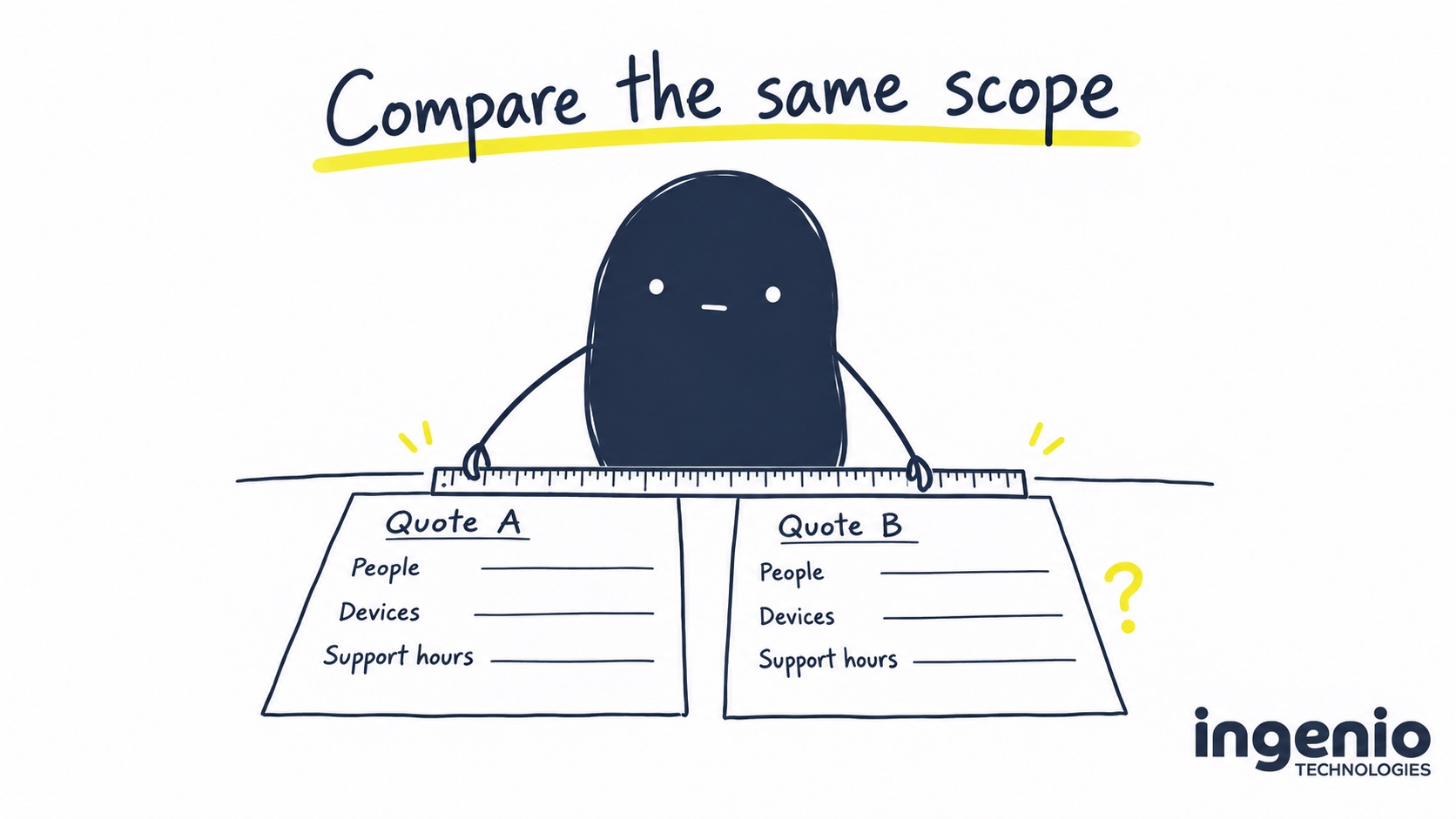
You might tell one company how many people you employ and send another a list of computers. Both can prepare a quote, but you could end up comparing different amounts of work.
Putting the details into one short brief means everyone has the same information. Include your people, computers, sites, main applications and working hours. Mention shared computers, part-time staff and anyone using a personal device for work, too.
Suppose you have 20 people and 24 computers. You need to know whether each proposal covers all 24 computers, including the ones shared between staff. A charge based on people alone doesn’t tell you that.
It’s also worth explaining what’s likely to change. If you’re recruiting, moving office or replacing older hardware, the company quoting needs to know. And if you have an internal IT person, be clear about the work you want them to keep doing.
A checklist for comparing IT support quotes
A spreadsheet is enough for this. Give each company a column and use the questions below as your rows. Against each answer, note whether the work is included, separately quoted, excluded or unclear.
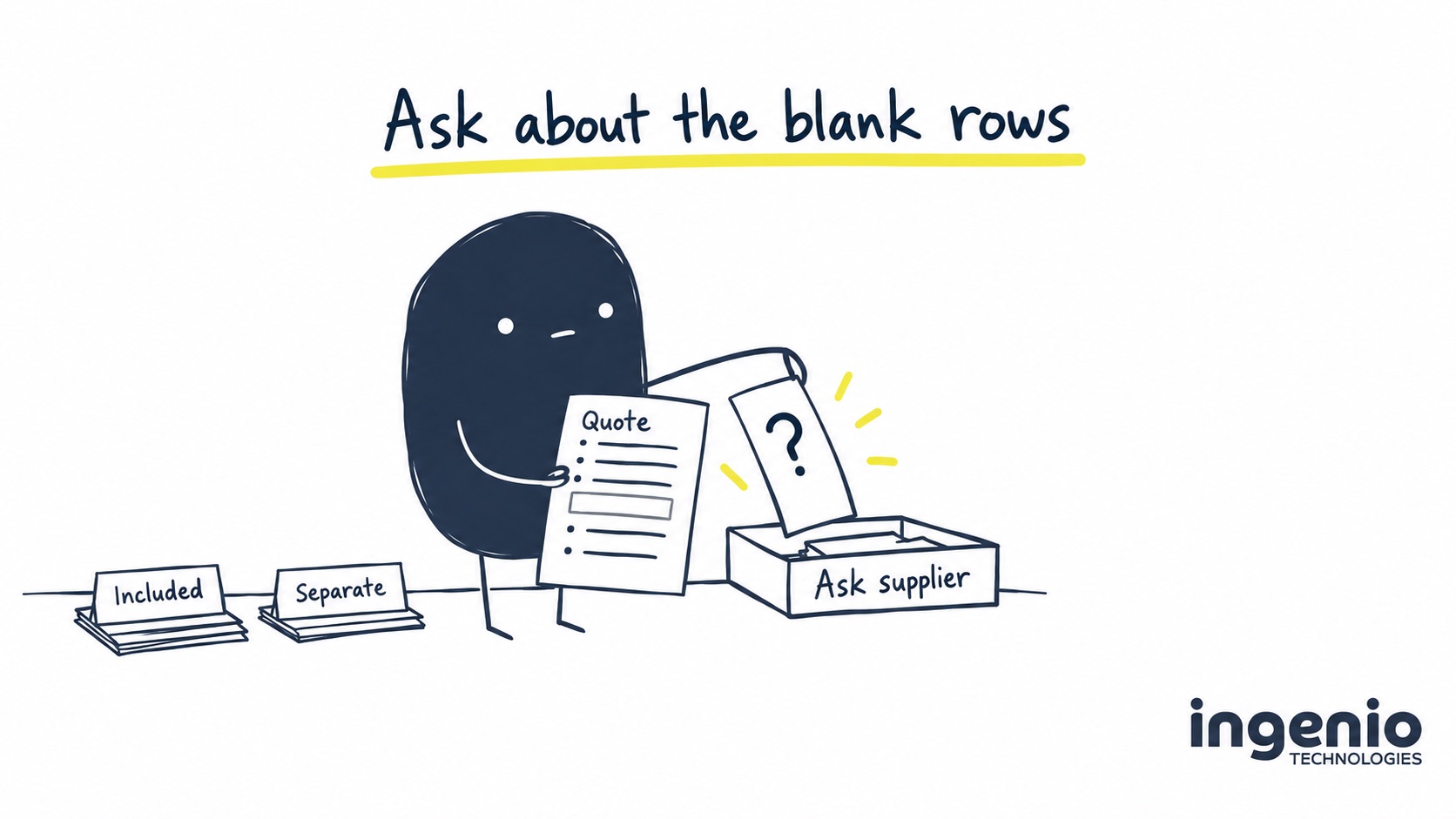
Keep a link to the relevant proposal page or email alongside it, so you can find the answer again. If something hasn’t been mentioned, leave it as unclear until you’ve asked. You don’t yet know whether it’s missing from the service or only from the description.
| Check | Ask for a written answer |
|---|---|
| People and devices | Which users, computers, servers and sites are covered? What changes when someone joins or leaves? |
| Support availability | What are the helpdesk hours? How do we request help? When are on-site visits included or charged? |
| Service levels | When does a person review the request, when does work start, and what resolution commitment or target applies? |
| Routine maintenance | What proactive maintenance is included? Who follows up failed updates or monitoring alerts? |
| Applications and licences | Which applications are supported? Are software licensing, administration and supplier coordination listed separately? |
| Security and recovery | Who monitors and acts on alerts? Which data is backed up, who tests restores, and what training is included? |
| Taking over and improving IT | What does onboarding cover? Which existing problems and future projects need separate approval? |
| Reviews and evidence | Who reviews the service with us? Can we see a sample report and speak to a comparable client? |
| Agreement and exit | What are the term, renewal, price-review and notice rules? Who provides our records and access when we leave? |
The National Cyber Security Centre’s guidance on choosing a managed service provider recommends clear responsibilities, checking references and discussing incident handling. Ask for evidence behind the proposal, including how the supplier protects its own access to your systems.
What does “Microsoft 365 support” mean in this quote?
Take a hypothetical pair of proposals. One says “Microsoft 365 support”. The other lists account administration, Microsoft licences and a separate backup service.
You can’t tell from that wording whether the first company includes the same things. I’d ask: “Does this cover the licences as well as help using Microsoft 365? Where does backup fit in?” Then add their answer to your comparison.
The same question comes up with “cyber security” or “unlimited support”. Those descriptions need some detail underneath them. Access to a training library, for example, may be useful, but it doesn’t tell you whether someone will run security-awareness training or phishing exercises for your staff.
If your team works from home as well as the office, include that in the conversation. Our guide to secure hybrid and remote working explains the device and account controls you can ask about.
Ask how they’d handle an ordinary working week
A list of support services can be hard to judge if you don’t work in IT. Everyday situations give you something more familiar to discuss. You could take each company through these examples to find out who does the work, who keeps you updated and what would be charged separately.
- Someone starts on Monday. They’ll need accounts, licences and a laptop they can use. Who orders it, sets it up and checks they can access their files? How much notice do you need to give?
- Someone leaves. Who needs to authorise removal of their access? What happens to their files, computer and any licences you’ve already committed to?
- A laptop fails. After the remote troubleshooting, you may still need a repair or replacement. Does the agreement cover a visit and setting up the replacement? Who deals with the warranty claim?
- Your main business application stops working. Will the IT company investigate and speak to the software developer? Who will keep you informed while they’re sorting it out?
- A security alert arrives overnight. Who will review it and act if there’s a threat? When will someone contact you?
The application example is one I’d spend some time on. If two companies need to work together, you want to know who you’ll hear from. Being told that someone has contacted the other supplier still leaves you needing an update.
Check what the response times promise
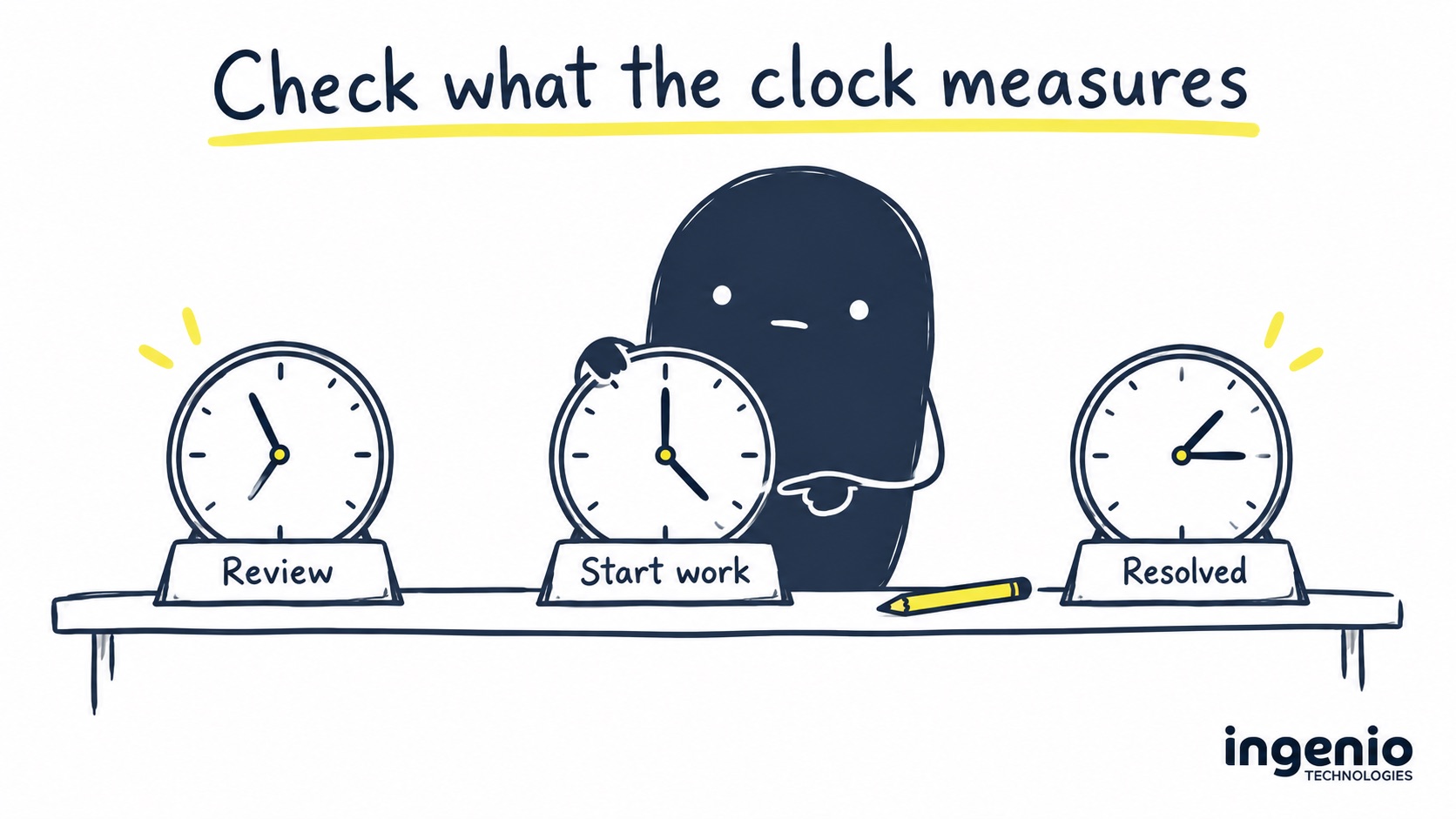
A fast response sounds reassuring. When you need help, though, you’ll want to know whether it means someone has read your request or started working on it.
That’s something to check in the service level agreement, usually shortened to SLA. The stages are:
- Human review: someone reads your request and assesses how urgent it is.
- Start of work: someone begins investigating or carrying out the request, according to its priority.
- Resolution: the issue is fixed, or an agreed workaround gets you working again. Ask which of those the company measures.
You’ll also want to know what happens when several requests arrive together. An office where nobody can work needs a different priority from installing an application for next week. The agreement should explain how priorities are assigned and when the clock runs or pauses.
If you’re shown an average resolution time, ask which period it covers and whether any types of ticket were left out. That gives you some context for the number. Our IT support glossary can help with unfamiliar terms in the agreement.
Find out what happens when the new company takes over
You’ll probably see “onboarding” in the proposal. That may cover collecting documentation, checking your existing setup and installing management tools. It doesn’t tell you whether replacing an old server or moving your email is included.
The company should be able to explain what needs to happen before support starts, what they’ll do during onboarding and which improvements need a separate decision from you.
For example, an audit might identify equipment that needs replacing. You’ll want to see the proposed work and its cost before you agree to it. A migration mentioned in a future plan also needs an agreed scope and date before anyone starts.
Ask for a sample service report while you’re discussing this. You’ll be able to see how they report routine maintenance, explain outstanding problems and follow up recommendations. It should help you understand what needs your attention at the next review.
Compare the ongoing costs and contract terms
One company might quote a fixed monthly fee, another per user per month, and another for work as you need it. To compare those pricing models, use the same people, devices and expected work over the same period.
Keeping support, licences, one-off work and optional additions on separate lines makes the comparison easier. You can then see what you’ll pay regularly and what depends on a decision you haven’t made yet.
Before signing, check how long the agreement lasts, how renewal works and when you have to give notice. You’ll also want to know how charges change if your team grows or shrinks, and how any price increases will be communicated.
It can feel a little awkward asking about leaving before you’ve joined, but I’d ask anyway. Who hands over your records and administrative access? Is there a charge for helping the next IT company take over? What happens to third-party licences you’ve committed to?
If a guarantee helps you decide, read its deadline, eligibility and exclusions alongside the agreement. You should be able to explain what it covers in your own words.
An email you can send with your questions
You don’t have to arrange another meeting to work through this. You could start with an email like this and attach the requirements you’ve listed.
Thanks for sending the proposal. We’re working through the quotes and have a few things we’d like to check:
- Which people, devices and sites are covered, and what changes when our numbers change.
- For the attached requirements, which are included, separately quoted or excluded.
- The support hours, human review and work-start commitments, and any resolution targets.
- How you would handle a starter, a leaver, a failed laptop, an application fault and an out-of-hours security alert.
- What onboarding covers, how additional work is approved, and the renewal and exit arrangements.
If you’ve covered any of this in the proposal or agreement, please point us to the relevant section. It would also help to see a sample service report. Thanks for helping us work through it.
How we help
If you’re considering Ingenio, please put these questions to us too. Our Brighton team provides managed IT support for small and medium businesses across Sussex and the surrounding counties. We can talk through how our proposal would work for your team.
When you send us a support request, a person reviews it within 15 minutes during agreed support hours. Work starts according to priority. We aim for resolution below four hours, although that isn’t a guaranteed fix time for every issue. Our usual helpdesk hours are 08:00–18:00 Monday–Friday, excluding public holidays.
We pass through Microsoft licence costs without markup, separately from support. Security-awareness training is a bolt-on; the included on-demand training library is a different service. And the 24/7 security monitoring on managed devices is provided by Huntress’s global security team, so it doesn’t mean our own helpdesk is open overnight.
You’ll find the detail on how we structure the service in our pricing and inclusions guide. If something in your proposal isn’t clear, ask us to explain it before you decide.
Frequently asked questions
What should I do if an IT support quote leaves something out?
Ask the company to explain it and keep their written answer with the quote. It might be covered elsewhere in the agreement, offered as an addition or left for you to arrange. You can mark it as unclear until you know which applies.
Should I choose the cheapest IT support quote?
It may be the right choice. First, check that it covers the work you need and that you’re comfortable with the support arrangements. If the proposals cover different things, ask for those differences to be explained before deciding on price.
Does a fast response mean my issue will be fixed quickly?
You need to check what the company means by a response. It could mean reviewing your request or starting work. Fixing the problem may take longer if parts or another supplier are involved. Ask whether the resolution time is a commitment, an aim or a result measured over a previous period.
Does 24/7 monitoring include out-of-hours IT support?
It doesn’t necessarily include it. A security team may watch for threats overnight while the helpdesk opens during stated working hours. Ask who acts on security alerts and what happens if you need ordinary IT help in the evening or at the weekend.
What evidence should I request before choosing an IT support company?
I’d ask to see a sample service report and speak to a client with similar needs to yours. You can also check any certifications the company mentions. Ask how it deals with problems that take longer to fix, and make sure the written agreement matches what you’ve been told.
Final thought
You shouldn’t have to understand every technical term to choose an IT company. You do need to know what they’ll do for you, what they’ll need from you and what you’ll pay for separately. I’d expect a company you’re considering to take the time to explain those things.
If you’d like an Ingenio proposal to compare, send us your people and computer numbers. We’ll prepare an estimate and reply by email. 👉 Request an IT support estimate.